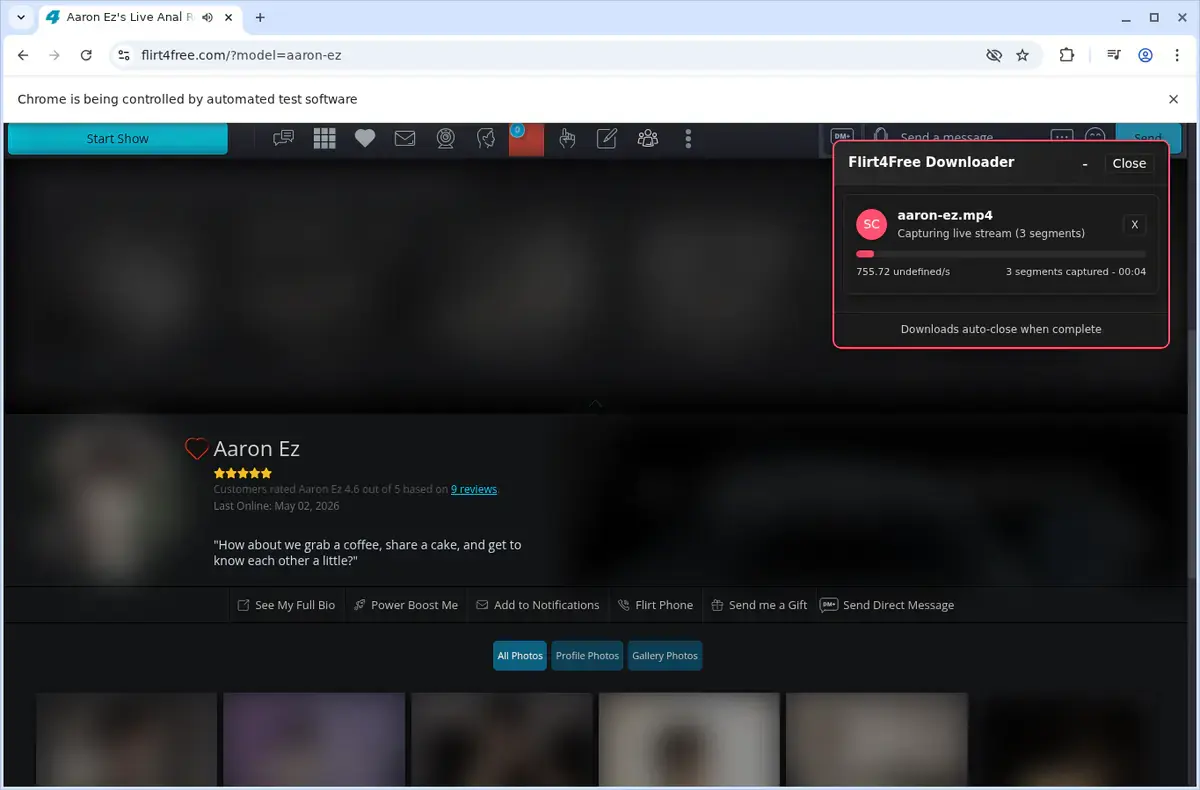
01
Open Flirt4Free
Go to the Flirt4Free page with the video you want to save and let it load normally in your browser.
Capture public Flirt4Free live shows and save gallery recordings all from one simple browser extension.
Flirt4Free Video Downloader brings live streams and gallery recordings together under one roof. When you visit a public live room, clear Start and Stop controls let you capture the show at the quality you choose. Gallery videos download as complete MP4s with just a click, eliminating the need for screen recorders or manual extraction.
Every recording is organized automatically into a dedicated FLIRT4FREE folder in your Downloads. Before you begin, the extension lists the actual rendition details—resolution, bitrate, and frame rate—that the source provides, so you never settle for an unknown default quality.
Because detection, capture, and MP4 assembly happen entirely on your own device, your downloads stay private. Activating the trial is straightforward: install, complete the email OTP flow, and you unlock three trial downloads a week to experience the unified workflow firsthand.

Secure checkout. Start downloading in minutes.
Trusted by 40k+ SERP Apps users.
Private downloads. No ads or tracking.
Part of the SERP Apps Extensions Library.
Open the page, let the extension detect what is available, and save the file to your computer.
Go to the Flirt4Free page with the video you want to save and let it load normally in your browser.
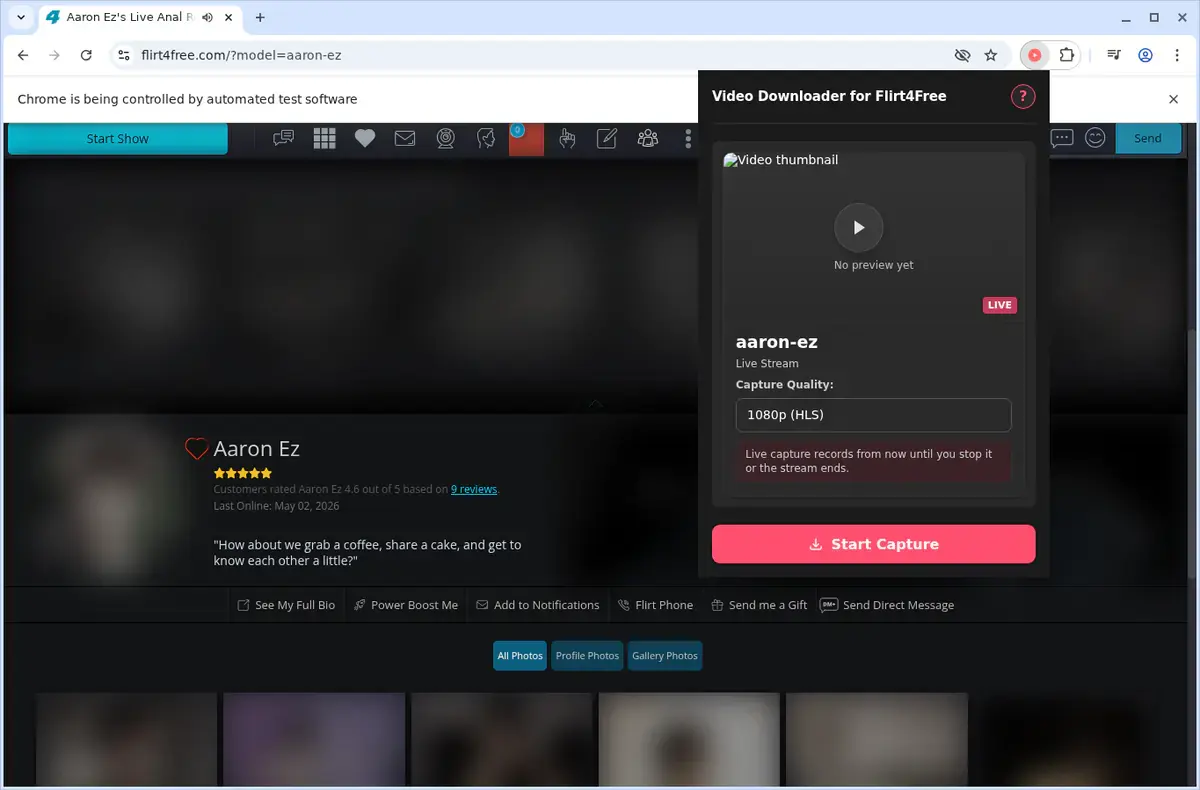
Open the extension so it can find the available video source and show the download option for the current page.
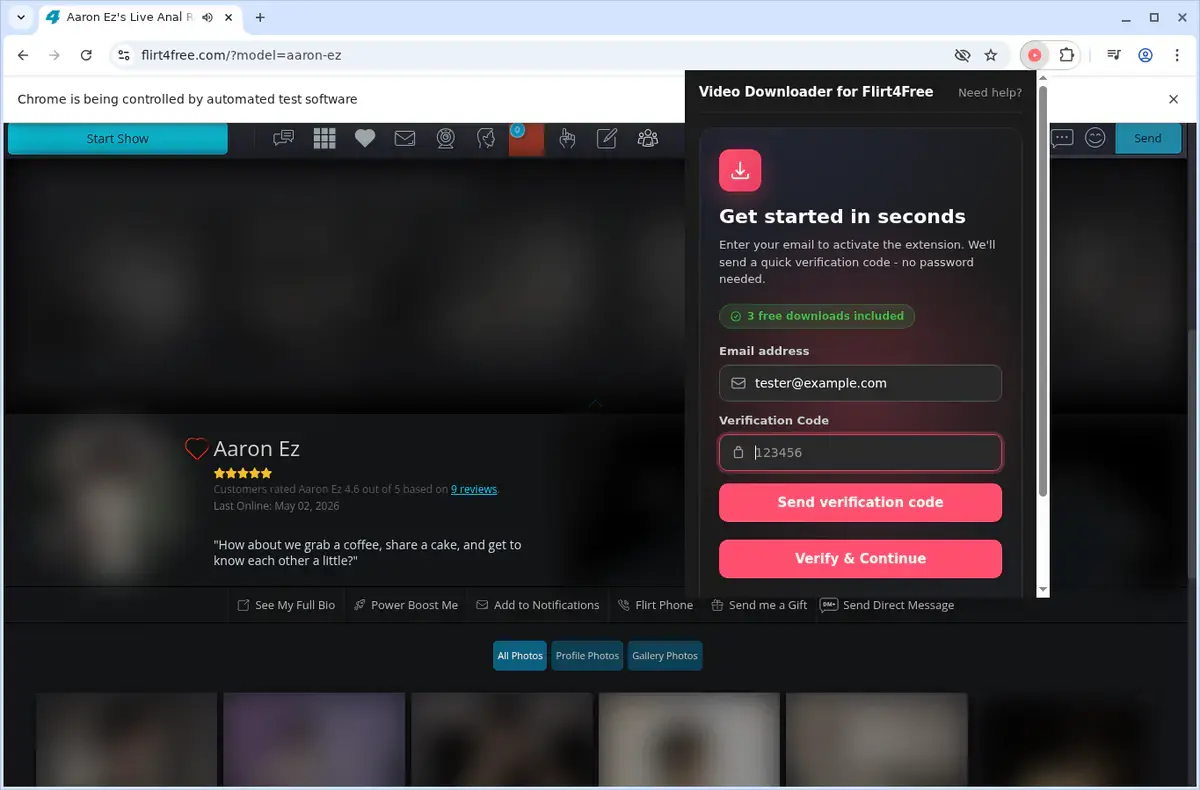
Open the format menu, pick the available file option you want, and save the finished video directly to your device.


Short, practical feedback from people using Flirt4Free Video Downloader in real workflows.
I used it on a Flirt4Free video page I could already view. Once the video loaded, the file saved and played locally.
Grant
2026-06-22
I wanted something I could watch without my connection dropping. The page I tested downloaded cleanly.
Bea
2026-06-24
The saved file was easy to find afterward. I opened it from my folder and it played normally.
Finn
2026-06-20
These comments and ratings were collected during our July 2026 customer survey and reviewed against support records before publication.
Core capabilities included in Flirt4Free Video Downloader.
Preserve private broadcasts from Flirt4Free by moving them onto your local drive.
Access the downloader while you are viewing a video on Flirt4Free.
Use the extension toolbar popup as another way to open the downloader.
Focus the downloader on the video currently open in your browser.
Relies on the native download engine every browser ships to handle the transfer work.
Watch the download progress in your browser’s built-in download list.
Files land in a dedicated Flirt4Free folder for organization.
Connects to the delivery mechanism Flirt4Free employs for the video you have up.
A completed grab becomes a local media item stored wherever your browser puts files.
Quick‑open any finished recording via the link that shows in your browser’s download manager.
Keep downloaded videos on your device to watch later offline.
Stays focused on the current Flirt4Free page and the current video.
See what you get with the extension versus what a separate downloader website may offer.
Flirt4Free Video Downloader
Shows download option for the current video
Online Downloader Website
May offer formats unrelated to your video
Flirt4Free Video Downloader
Works with the video source Flirt4Free uses
Online Downloader Website
Depends on the site's ability to detect the source
Flirt4Free Video Downloader
No need to leave the Flirt4Free page
Online Downloader Website
Requires copying and submitting the page link
Flirt4Free Video Downloader
Downloads land in a dedicated Flirt4Free folder
Online Downloader Website
Filenames and folders can vary by site
Flirt4Free Video Downloader
Browser's own download manager shows progress
Online Downloader Website
Progress shown on a separate results page
Flirt4Free Video Downloader
Stays focused on your current Flirt4Free video
Online Downloader Website
Some free sites may show ads or redirects
Available on major desktop browsers and operating systems used in day-to-day workflows.
Pick the browser build you need. When a direct GitHub release is available, you can grab the ZIP there.
Open the main product page to get the Chrome build while direct release links are being added.
Open the main product page to get the Edge build while direct release links are being added.
Open the main product page to get the Opera build while direct release links are being added.
Open the main product page to get the Brave build while direct release links are being added.
Open the main product page to get the Whale build while direct release links are being added.
Open the main product page to get the Yandex build while direct release links are being added.
Install from GitHub releases or your user dashboard. ZIP builds include the full desktop extension.
Every requested permission and the job it performs inside the extension.
Writes finished MP4 files to your device and keeps the live and gallery download manager state synchronized.
Stores activation state, trial counters, quality preferences, and local download state between sessions.
Limits detection and player-button injection to the Flirt4Free tab you are actively viewing.
Keeps progress aligned with the correct room or gallery tab while downloads continue in the background.
Reads room data, gallery metadata, stream URLs, and playlist variants from supported pages before building the quality list.
Supports status alerts and future notification hooks declared by the product, even though current technical notes say desktop notifications are limited.
Adds the "Download Flirt4Free Stream" right-click shortcut for faster page-level access.
Handles local LL-HLS capture, HLS stitching, and MP4 assembly in a hidden context so the active tab remains responsive.
Allows access to required Flirt4Free domains, rotating CDN hosts, auth.serp.co, api.github.com, and the media endpoints needed for detection and downloads.
Better to know the boundaries up front than find out after checkout.
The room must be live and public for live capture to work.
Private, inaccessible, and offline rooms are not supported.
Bulk simultaneous captures are not the intended workflow.
Firefox, Safari, and mobile browsers are not supported.
Available quality depends on what the current room or recording exposes.
Keep the source tab open during longer live captures and HLS processing.
You must already have permission to access and download the content.
Email OTP sign-in is required to activate the free trial.

Save a video from a Skool classroom lesson, community post, course module, or About page as an MP4.

Open the page playing the HLS video, let the browser extension detect its M3U8 stream, choose an available quality, and save the MP4.

Open a TikTok video in your desktop browser, use the download button added to the page, and save the finished MP4 to your computer.
Keep exploring
Browse every category we support and jump directly into the tools that match your workflow.
23 categories are currently available.
Immediate Access
Product access begins after a successful checkout
Setup Guidance
Installation steps are provided for the supported package
Billing Shown Upfront
Review the selected billing interval before checkout
Capture live Flirt4Free sessions without setting up OBS, screen recording software, or manual playlist extraction.
Handle public live rooms and gallery recordings through one consistent workflow instead of juggling separate tools.
Choose the actual rendition Flirt4Free exposes rather than accepting a single unknown default quality.
Keep downloads private because detection, capture, and MP4 assembly all happen on your own device.