01
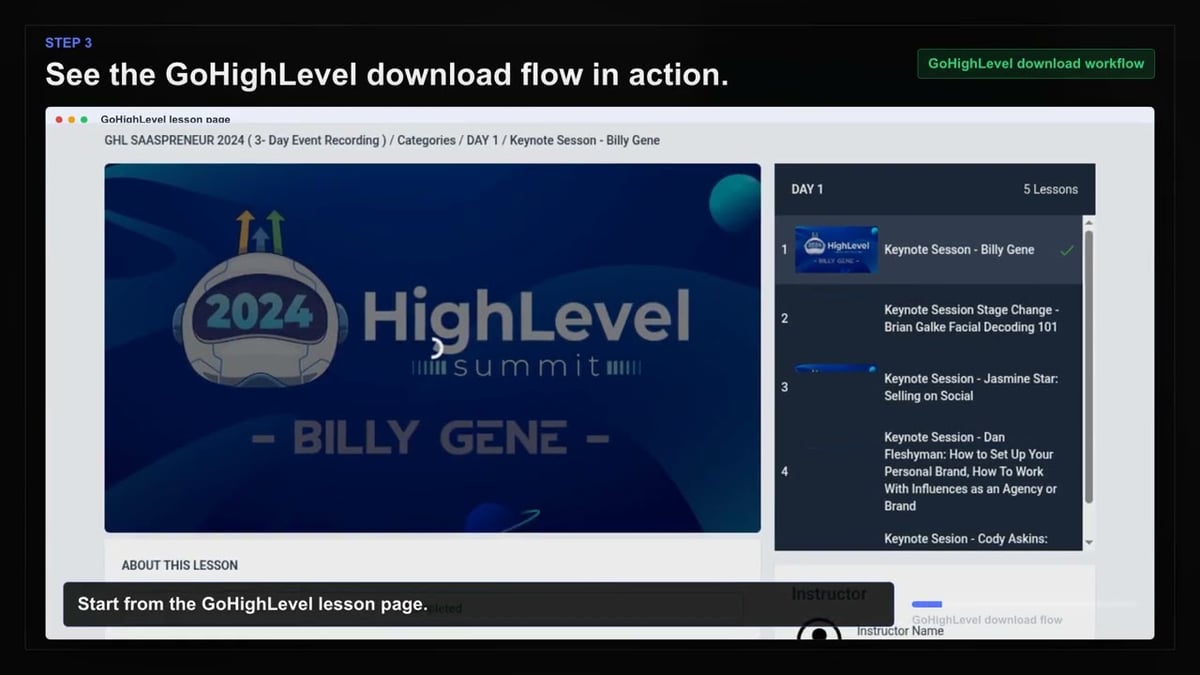
Open GoHighLevel
Go to the GoHighLevel page with the content you want to save and let it load normally in your browser.
Download your GoHighLevel courses and training now, so you keep the content even if subscriptions or portal access change later.
Your GoHighLevel memberships and courses are valuable resources, but access can disappear when subscriptions end or client portals change. Don't wait until it's too late. Download the videos now and keep a permanent MP4 library on your computer.
Our tool works across supported GoHighLevel portals, membership areas, and training hubs. It handles native video and also captures embedded content from Loom, Vimeo, Wistia, and YouTube—all within your GoHighLevel pages. You stay in control, and the entire process runs privately on your own device.
Once you open the extension and the player finishes loading, the available formats appear. You choose the quality, and the browser Save As dialog lets you pick the filename and location. Build your offline training library today and never worry about losing access again.

Secure checkout. Start downloading in minutes.
Trusted by 40k+ SERP Apps users.
Private downloads. No ads or tracking.
Part of the SERP Apps Extensions Library.
Open the page, let the extension detect what is available, and save the file to your computer.
Go to the GoHighLevel page with the content you want to save and let it load normally in your browser.
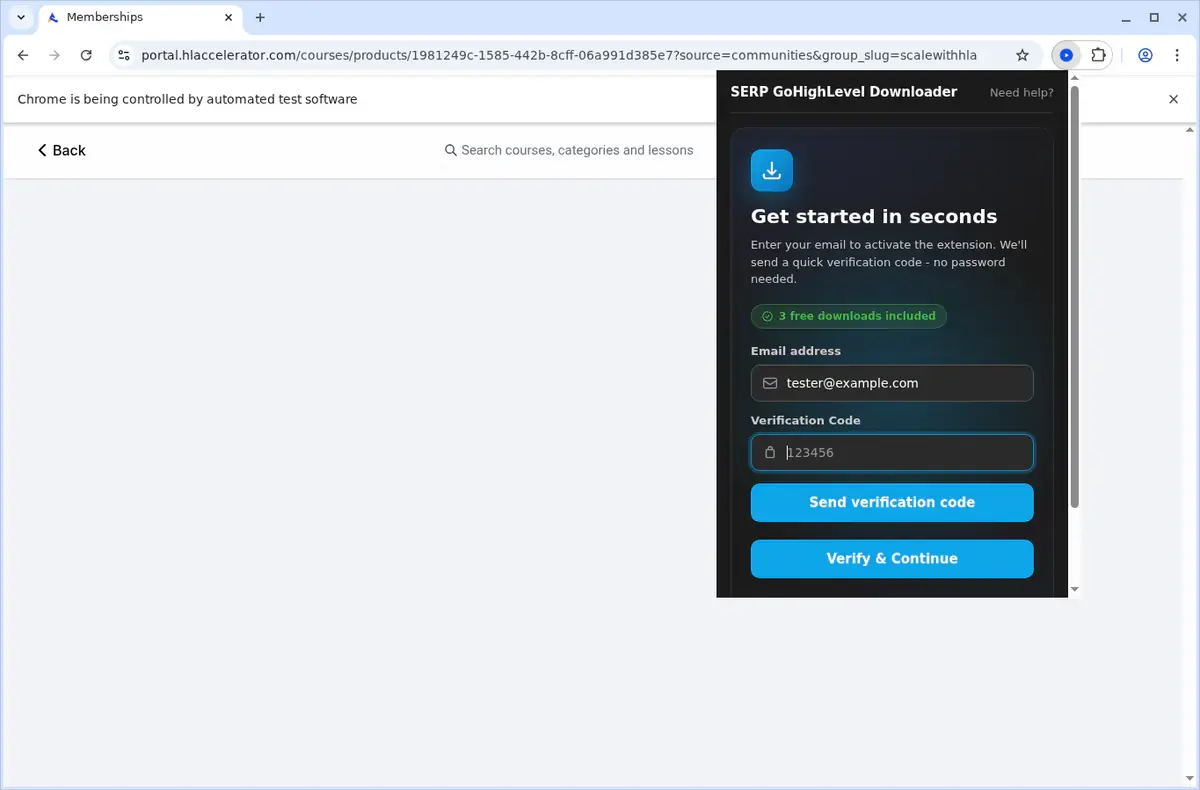
Open the extension so it can find the available content source and show the save options for the current page.
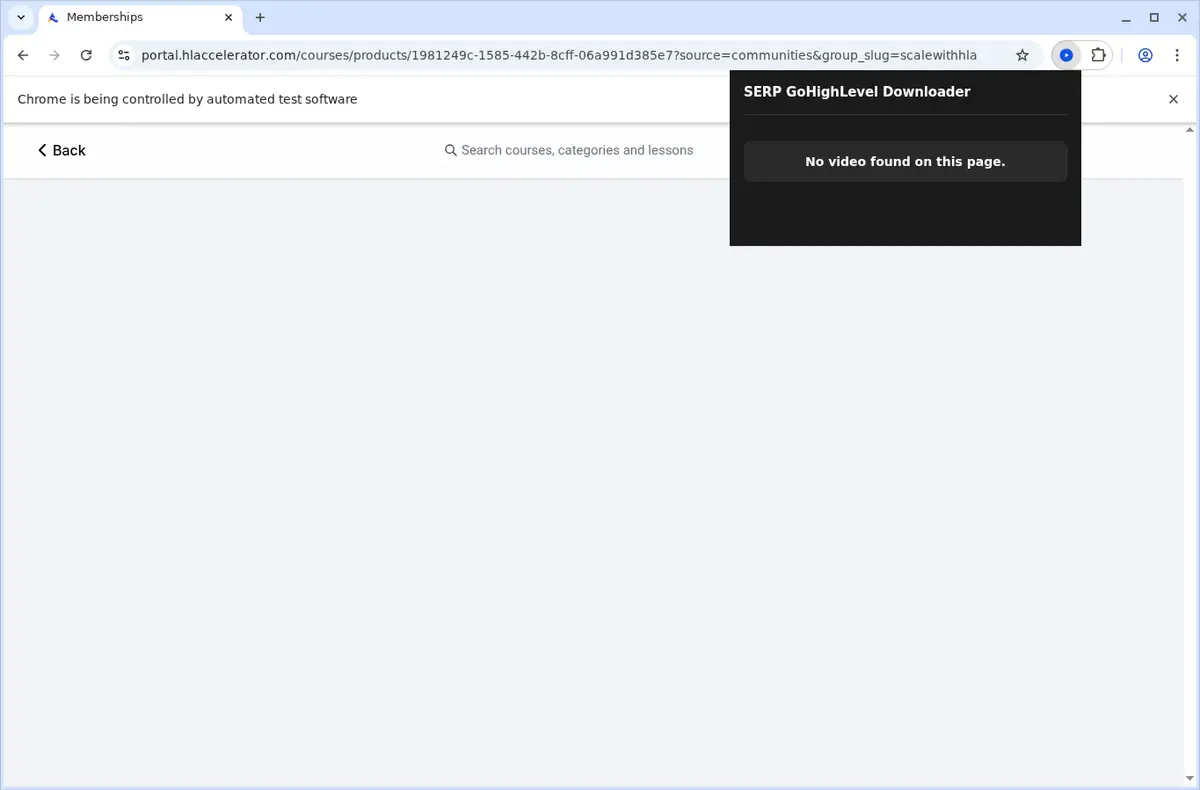
Choose the available quality or file option and save the finished file directly to your device.
Short, practical feedback from people using GoHighLevel Video Downloader in real workflows.
We use GoHighLevel for client onboarding and internal training. This finally gave us a reliable way to save the videos we already have access to without fighting the portal.
Jenna Maldonado
2025-02-22
It handles both native GoHighLevel lessons and the embedded Vimeo or Loom videos our team uses. The save dialog flow is simple and the output is consistent.
Theo Briggs
2025-03-06
The portal gating is the part I like most. It stays quiet elsewhere but works immediately inside the training areas we need to archive.
Lila Pruitt
2025-01-30
These comments and ratings were collected during our July 2026 customer survey and reviewed against support records before publication.
Core capabilities included in GoHighLevel Video Downloader.
Capture GoHighLevel videos and store them on your computer for later access.
Activate the download tool right from the page where the video is playing.
Open the extension popup from the browser toolbar to launch the downloader.
Make the tool target the exact video you are watching in the active tab.
Downloads flow through your browser’s built-in download manager.
Watch the download advance in the standard browser download shelf.
All saved files go straight into a folder named after GoHighLevel.
The tool picks up whatever video stream the site delivers behind the scenes.
When the transfer finishes, you get a playable video file on your local drive.
Find finished downloads inside the system folder that holds browser downloads.
Store the video on your device so you can replay it anytime offline.
The tool stays locked onto the GoHighLevel tab and the clip you selected.
See the difference between using your browser’s familiar download list and relying on an external website’s progress display.
GoHighLevel Video Downloader
Uses your browser’s built-in download system
Online Downloader Website
Depends on another site’s interface for downloads
GoHighLevel Video Downloader
Follow progress in the browser download list
Online Downloader Website
Progress shown only on that site’s page
GoHighLevel Video Downloader
Saves files directly into your GoHighLevel folder
Online Downloader Website
Saves wherever the browser default or site decides
GoHighLevel Video Downloader
Find finished downloads in your browser’s downloads area
Online Downloader Website
Must return to the site’s results page to get the file
GoHighLevel Video Downloader
Stay focused on the current GoHighLevel page
Online Downloader Website
Leave the video page to copy and submit the link
GoHighLevel Video Downloader
Works while you are watching the video on GoHighLevel
Online Downloader Website
Relies on a pasted page address that can lose player context
Available on major desktop browsers and operating systems used in day-to-day workflows.
Pick the browser build you need. When a direct GitHub release is available, you can grab the ZIP there.
Open the latest GitHub release to download the Chrome build.
Firefox support is in progress and will be enabled soon.
Open the latest GitHub release to download the Edge build.
Open the latest GitHub release to download the Opera build.
Open the latest GitHub release to download the Brave build.
Open the latest GitHub release to download the Whale build.
Open the latest GitHub release to download the Yandex build.
Install from GitHub releases or your user dashboard. ZIP builds include the full desktop extension.
Every requested permission and the job it performs inside the extension.
Handles MP4 saving through the browser Save As flow and keeps the download manager aligned with active jobs.
Stores activation state, trial counters, selected formats, and queue state locally between sessions.
Detects the current portal page and confirms it is actually a GoHighLevel environment before the extension activates.
Maintains progress visibility while you move between lessons or tabs and supports portal validation checks.
Reads DOM markers, native video sources, and embedded player data to hand each video to the correct platform handler.
Shows completion and error alerts without requiring the popup to stay open during longer downloads.
Processes HLS streams and MP4 assembly in a hidden context so the portal page stays responsive.
Uses your current authenticated GoHighLevel session to access content you are already permitted to view.
Applies request rules needed for supported media hosts and native video sources so protected stream requests succeed.
Allows access to GoHighLevel portals, supported embed providers, auth.serp.co, and api.github.com for downloads, activation, and update checks.
Better to know the boundaries up front than find out after checkout.
You must be on an actual GoHighLevel portal page for the extension to activate.
You must press play before some native or embedded players expose their stream data.
Live-stream capture is not supported.
Available quality depends on the underlying source platform.
Each download uses the browser Save As dialog instead of silent auto-save.
Safari and mobile browsers are not supported.
You must already have permission to access and download the content.
Email OTP sign-in is required to activate the free trial.
Keep exploring
Browse every category we support and jump directly into the tools that match your workflow.
23 categories are currently available.
Immediate Access
Product access begins after a successful checkout
Setup Guidance
Installation steps are provided for the supported package
Billing Shown Upfront
Review the selected billing interval before checkout
Archive GoHighLevel course videos and training libraries before account access, client portals, or subscriptions change.
Use one downloader for both native GoHighLevel video and the embedded platforms commonly used inside GoHighLevel content.
Keep offline MP4 copies for travel, internal review, or handoff without relying on live portal access.
Stay private because the download and conversion workflow runs on your own device.