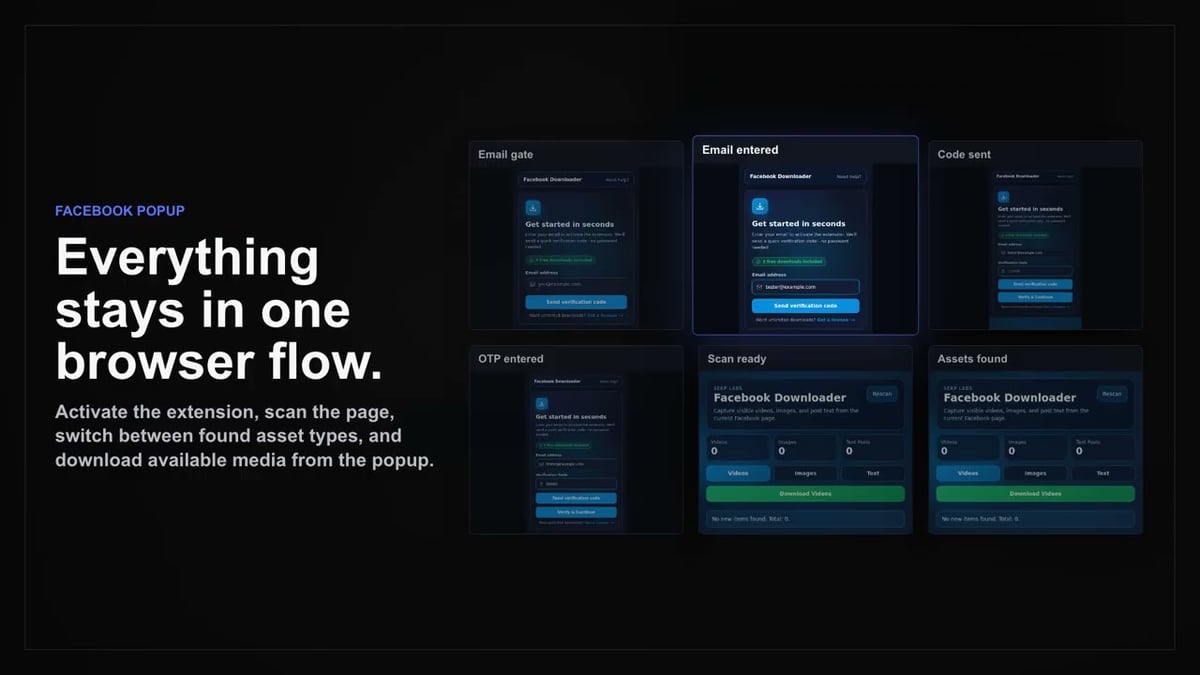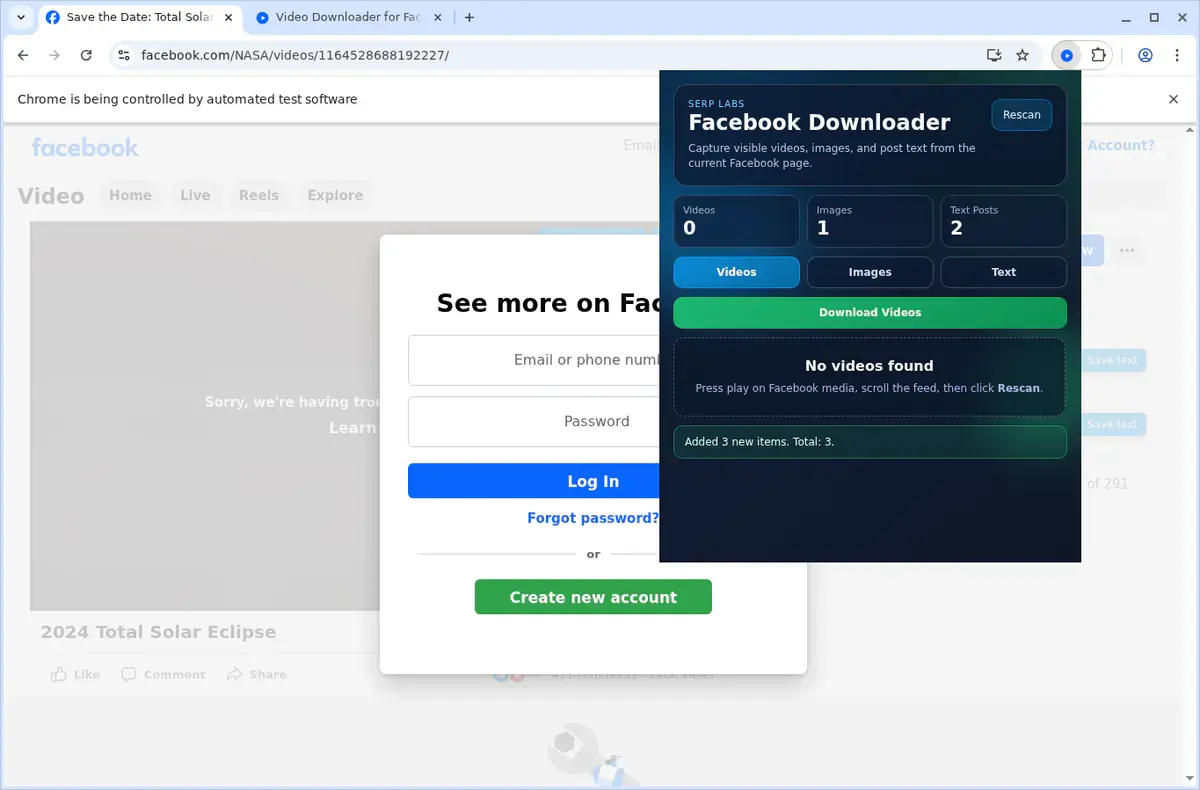
01
Open Facebook
Go to the Facebook page with the video you want to save and let it load normally in your browser.
Download Facebook videos, Reels, and Stories with complete privacy—all processing stays on your device, nothing is uploaded.
When you download a Facebook video, Reel, or Story, you shouldn't have to worry about where your data goes. Facebook Video Downloader keeps everything local. No video data is ever uploaded to external servers, so your content stays on your machine from start to finish.
This local-only approach is perfect for saving personal memories, private group videos, or any content you'd rather not share with URL-paste tools. Every download is handled directly within your browser, using your existing Facebook login and permissions.
Set up is simple. Install the extension on Chrome, Edge, Brave, or Opera. Then browse Facebook as usual. Download buttons appear automatically on video players, letting you save files with author-and-date naming—all without a single upload.

Secure checkout. Start downloading in minutes.
Trusted by 40k+ SERP Apps users.
Private downloads. No ads or tracking.
Part of the SERP Apps Extensions Library.
Open the page, let the extension detect what is available, and save the file to your computer.
Go to the Facebook page with the video you want to save and let it load normally in your browser.
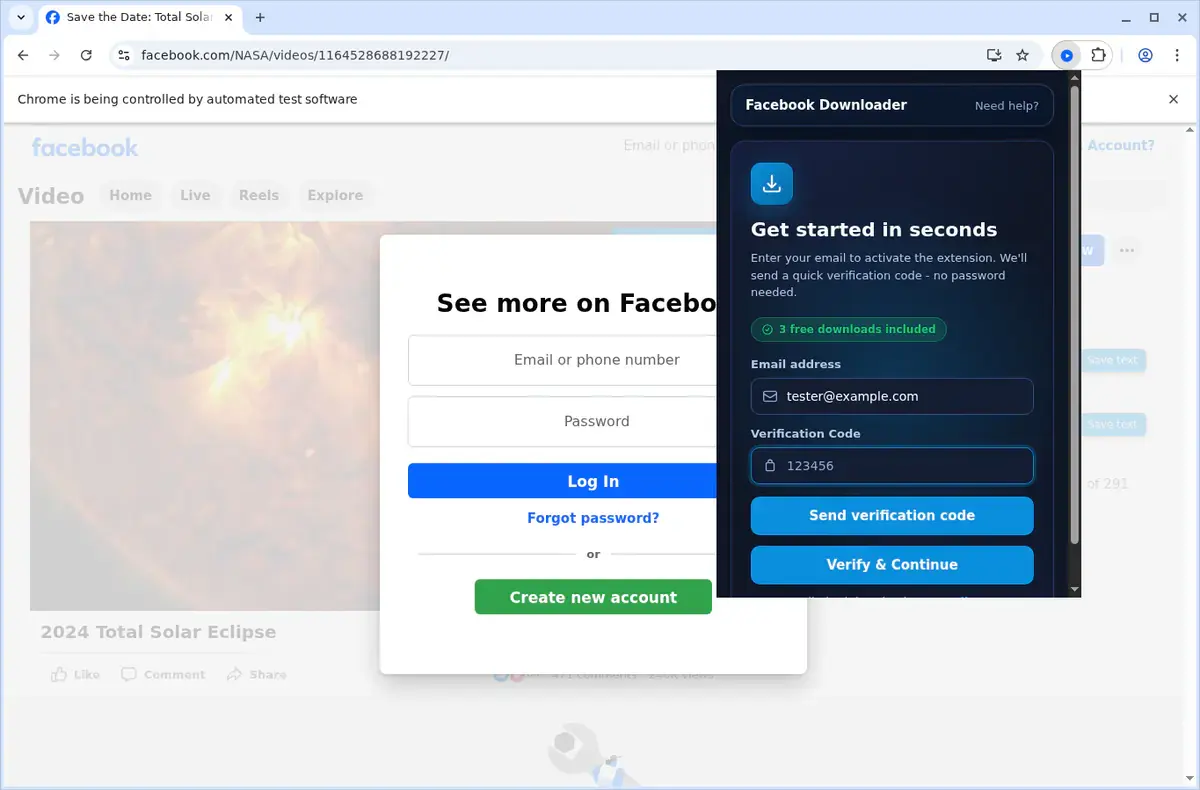
Open the extension so it can find the available video source and show the download option for the current page.
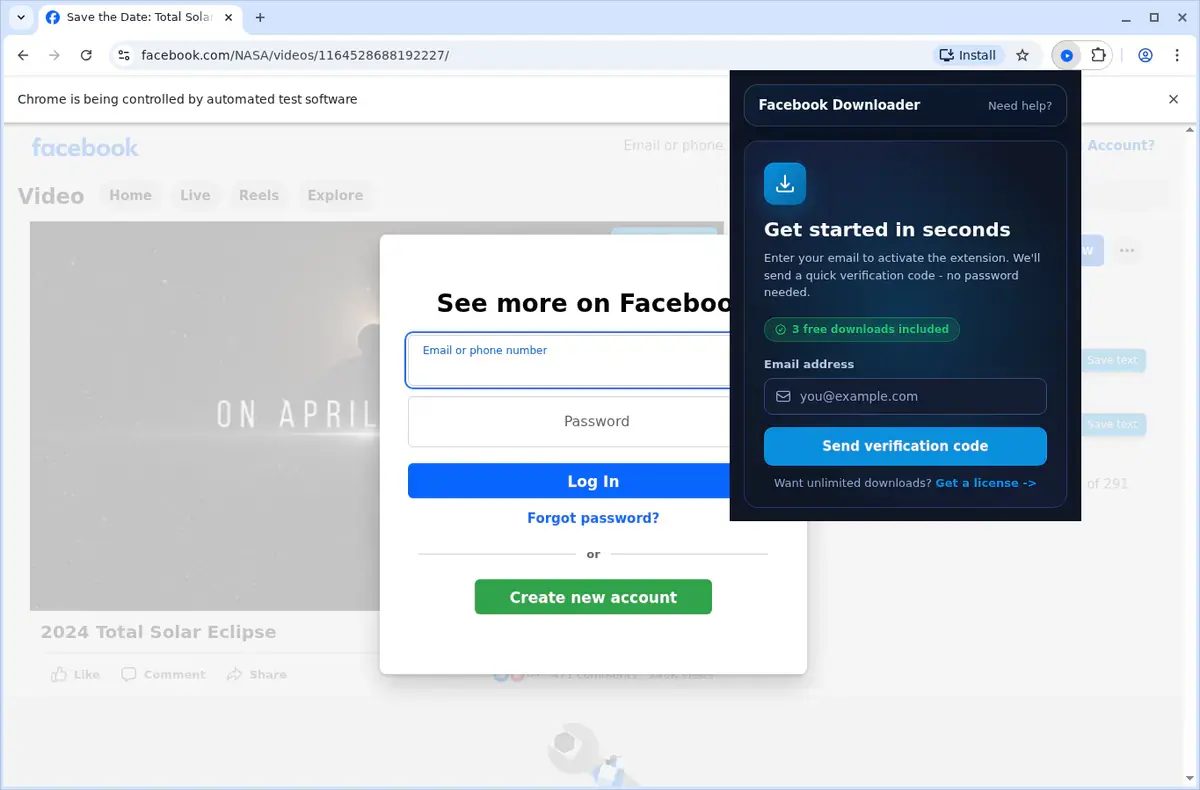
Open the format menu, pick the available file option you want, and save the finished video directly to your device.
Short, practical feedback from people using Facebook Video Downloader in real workflows.
I manage social media for several clients and need to archive their Facebook video content regularly. This extension grabs everything including Reels and Live replays with the quality I need. Batch mode is a huge time saver.
Lisa Fernandez
2025-01-28
The Story download feature is exactly what I needed. I save important Stories from community groups before they expire and having them as local files means I never lose valuable content.
Daniel Okafor
2025-02-15
Simple, clean, and reliable. The download button shows up right on the video player so there's no fumbling with menus or copy-pasting URLs. Group videos download just as smoothly as public ones.
Megan Powell
2025-03-07
These comments and ratings were collected during our July 2026 customer survey and reviewed against support records before publication.
Core capabilities included in Facebook Video Downloader.
Place a copy of the video onto your device so it’s ready whenever you want.
Tap the on-page control next to the video to begin grabbing it.
Access the tool quickly through the extension's toolbar popup as another starting point.
Work through just the one video you’ve chosen, keeping things simple.
Downloads are handled through your browser's built-in download manager.
Monitor the download progress in the browser's standard download list.
Completed files are automatically placed into a dedicated Facebook folder.
Works with the video source provided by the site, no need to specify technical formats.
Once finished, the download becomes a local video file ready for playback.
Open finished downloads from the browser's downloads folder whenever you like.
Keep the saved videos on your device for convenient later access.
Keep your attention right on the open Facebook page and its video.
Available on major desktop browsers and operating systems used in day-to-day workflows.
Pick the browser build you need. When a direct GitHub release is available, you can grab the ZIP there.
Open the latest GitHub release to download the Chrome build.
Open the latest GitHub release to download the Edge build.
Open the latest GitHub release to download the Opera build.
Open the latest GitHub release to download the Brave build.
Open the latest GitHub release to download the Whale build.
Open the latest GitHub release to download the Yandex build.
Install from GitHub releases or your user dashboard. ZIP builds include the full desktop extension.
Every requested permission and the job it performs inside the extension.
Saves video and story files to your device and manages the batch download queue for page and group exports.
Detects Facebook video posts and injects download controls only on the tab you are actively viewing.
Stores download history, quality preferences, and user settings locally in your browser between sessions.
Notifies you when batch downloads complete or if a video download encounters an error.
Reads Facebook's page data and GraphQL responses to extract video source URLs and quality variants.
Limits access to facebook.com and Facebook CDN domains required to detect and download video content.
Better to know the boundaries up front than find out after checkout.
You must be logged in to Facebook and able to view the video to download it.
Active Live streams cannot be captured until a replay is available.
Video quality is limited to what Facebook provides (typically SD and HD options).
DRM-protected content such as licensed shows on Facebook Watch cannot be downloaded.
Batch downloads run sequentially rather than in parallel for a steadier browser workflow.
Firefox, Safari, and mobile browsers are not supported.
Facebook Messenger video calls and private message media are not accessible.
Keep exploring
Browse every category we support and jump directly into the tools that match your workflow.
23 categories are currently available.
Immediate Access
Product access begins after a successful checkout
Setup Guidance
Installation steps are provided for the supported package
Billing Shown Upfront
Review the selected billing interval before checkout
Download Facebook videos, Reels, and Stories in their best available quality without third-party URL-paste tools.
Save Live stream replays for offline viewing before they are removed or restricted.
Batch download videos from Facebook pages, groups, and timelines in one operation with progress tracking.
Keep all video processing local with no data uploads and organized file naming by author and date.