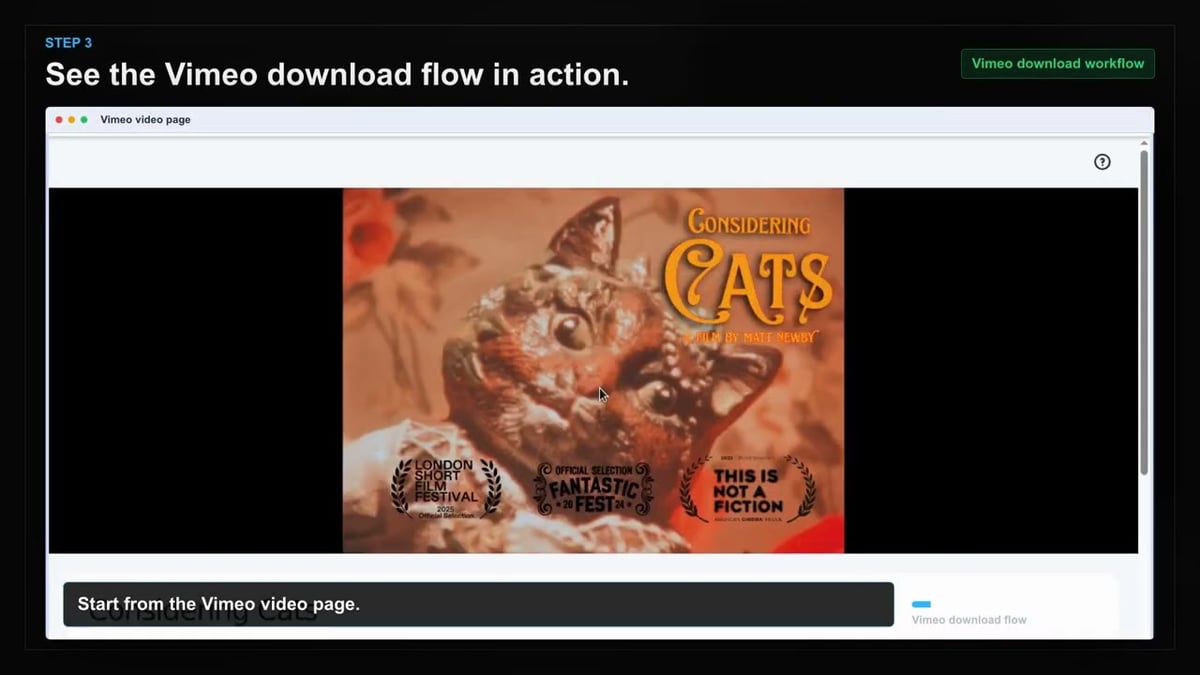
01
Open Vimeo
Go to the Vimeo page with the content you want to save and let it load normally in your browser.
Save password-protected and private Vimeo videos directly to your computer for offline editing and reference.
When you need to work on client review videos or private team content without an internet connection, this tool has you covered. It uses your existing Vimeo login to access password-protected and private videos. No extra steps or workarounds are required.
Once detected, you can choose from the available quality tiers and save the video directly. The filename is based on the video title, keeping your downloads organized. Everything stays private with on-device processing.
It works on Chrome, Edge, Firefox, Brave, and Opera. Just open the video page, let it load, and the extension will surface the save options for you.

Secure checkout. Start downloading in minutes.
Trusted by 40k+ SERP Apps users.
Private downloads. No ads or tracking.
Part of the SERP Apps Extensions Library.
Open the page, let the extension detect what is available, and save the file to your computer.
Go to the Vimeo page with the content you want to save and let it load normally in your browser.
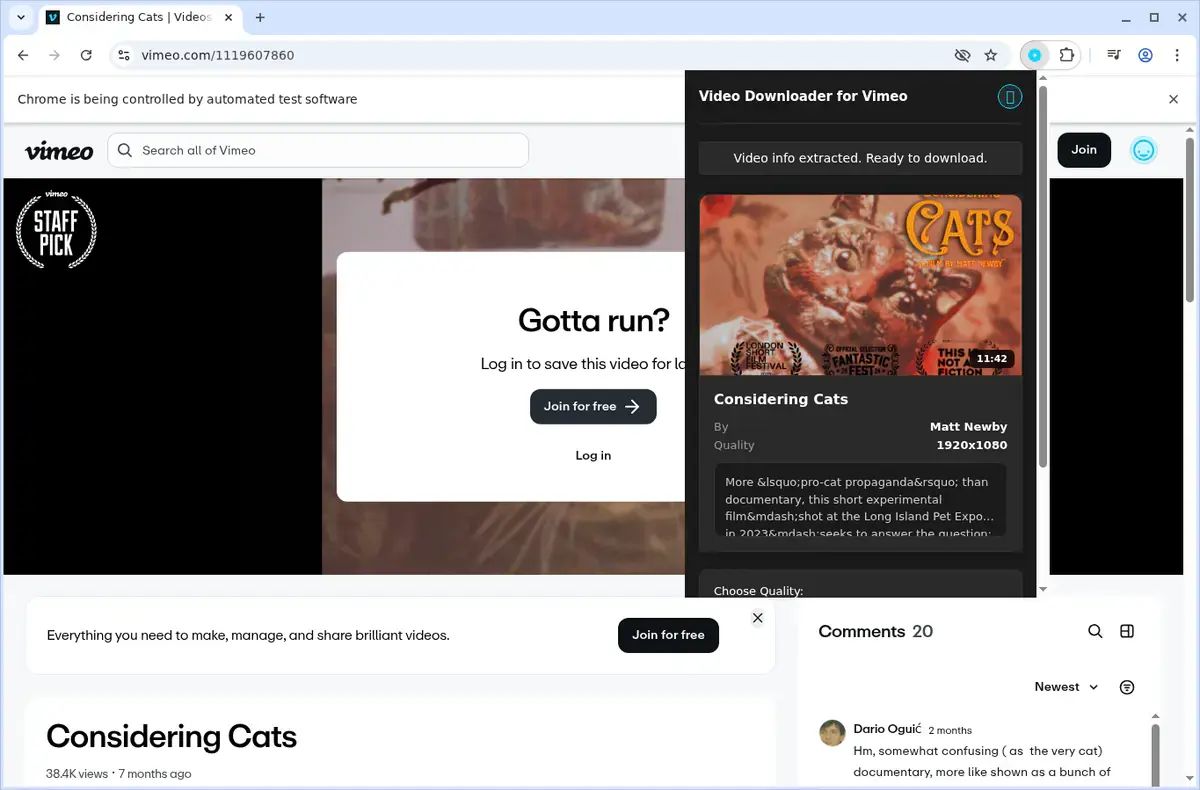
Open the extension so it can find the available content source and show the save options for the current page.
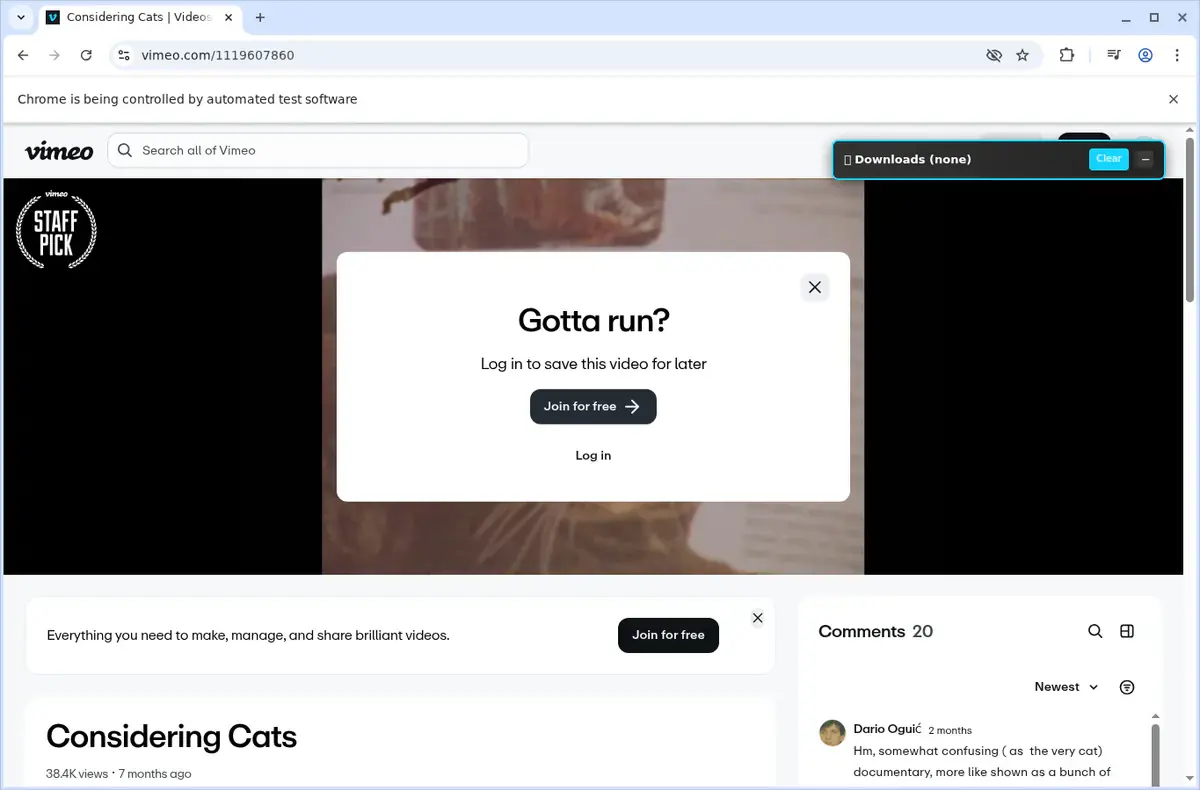
Choose the available quality or file option and save the finished file directly to your device.
Short, practical feedback from people using Vimeo Video Downloader in real workflows.
Clients send protected Vimeo review pages. I enter the password once and the MP4 lands ready for edit notes.
Linnea Barrett
2025-02-16
Our course portal embeds Vimeo players. This detects them instantly and merges audio/video cleanly.
Jamil Ortega
2025-03-03
Three downloads at a time keeps our archive jobs moving, and progress bars make status crystal clear.
Jaya Daniels
2025-01-28
These comments and ratings were collected during our July 2026 customer survey and reviewed against support records before publication.
Core capabilities included in Vimeo Video Downloader.
Download videos from Vimeo and keep them on your device for later.
Access the downloader while you are watching a video on the Vimeo site.
Use the extension toolbar popup as another convenient way to start.
The downloader focuses on the video you currently have open in the browser.
Your browser’s normal download system manages the file transfer.
Monitor progress easily through the browser’s built‑in download list.
Files are saved into the dedicated Vimeo folder on your computer.
Works with the video source that Vimeo uses, without naming a technical format.
The completed download becomes a local video file; its format is not named.
Finished files can be opened from your browser’s downloads folder.
Keep downloaded videos on your device for offline viewing whenever you want.
Keeps you right on the Vimeo page with the video you have open.
Available on major desktop browsers and operating systems used in day-to-day workflows.
Pick the browser build you need. When a direct GitHub release is available, you can grab the ZIP there.
Open the latest GitHub release to download the Chrome build.
Firefox support is in progress and will be enabled soon.
Open the latest GitHub release to download the Edge build.
Open the latest GitHub release to download the Opera build.
Open the latest GitHub release to download the Brave build.
Open the latest GitHub release to download the Whale build.
Open the latest GitHub release to download the Yandex build.
Install from GitHub releases or your user dashboard. ZIP builds include the full desktop extension.
Every requested permission and the job it performs inside the extension.
Streams the final MP4 (or merged audio/video) to your downloads folder and keeps progress accurate for each item.
Stores licence activation, password prompts, and queue preferences locally so the downloader stays configured between sessions.
Detects Vimeo players on the tab you're viewing, whether on vimeo.com or embedded elsewhere, and injects download controls.
Monitors navigation so the extension can refresh download options as you move between videos, showcases, or embeds.
Reads video configuration data, manifests, and stream URLs from the player in order to retrieve the correct quality variants.
Sends prompts, success, and error alerts so you stay informed without watching the popup.
Adds a convenient "Download with Vimeo Video Downloader" option to the right-click menu for embedded players.
Uses your existing Vimeo session cookies to authenticate private, password-protected, or team videos directly in your browser.
Limits privileged access to vimeo.com, player.vimeo.com, and Vimeo CDN hosts so the extension only touches official endpoints required for downloading.
Better to know the boundaries up front than find out after checkout.
You must have permission to view a video (login, password, or public access) to download it.
DRM-protected Vimeo OTT content cannot be downloaded.
Available quality depends on the original upload resolution and Vimeo's encoding tiers.
Adaptive stream merging requires the browser tab to stay open until the MP4 is finalized.
Subtitle and caption files must be downloaded separately from within Vimeo.
Vimeo Live streams cannot be captured during active broadcast.
Safari and mobile browsers are not supported.

Download Vimeo videos from public pages, private links, password-protected players, embeds, and review pages.
Download a password-protected Vimeo video after unlocking it in the player, choosing a quality, and verifying the file.
Keep exploring
Browse every category we support and jump directly into the tools that match your workflow.
23 categories are currently available.
Immediate Access
Product access begins after a successful checkout
Setup Guidance
Installation steps are provided for the supported package
Billing Shown Upfront
Review the selected billing interval before checkout
Archive password-protected client review pages and private Vimeo links for offline editing and reference.
Save embedded Vimeo videos from portfolio sites, course platforms, and client portals without copy/paste workarounds.
Get the best available quality with manifest parsing that surfaces every resolution the original upload supports.
Keep downloads private with on-device stream processing, local audio/video merging, and no external data uploads.