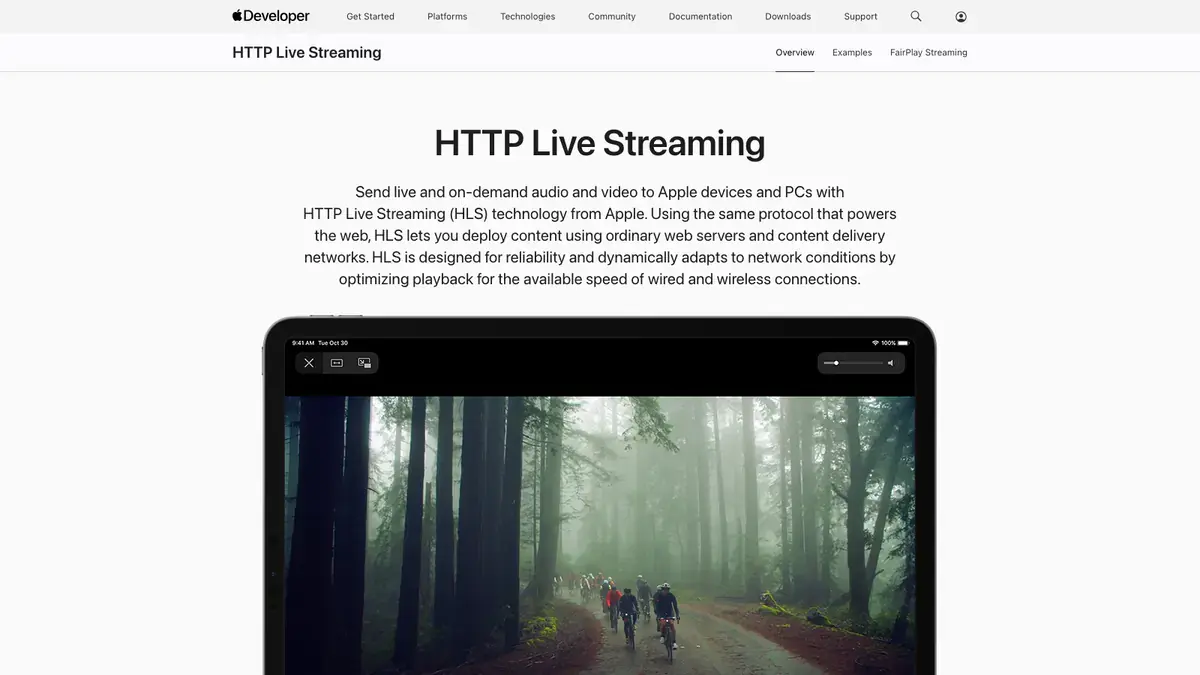
01
Open M3u8
Go to the M3u8 page with the content you want to save and let it load normally in your browser.
Save HLS streams as MP4 directly from your browser without ffmpeg or command-line tools.
Open any page with an HLS stream and let the extension detect it automatically. It parses master playlists to show every quality variant, complete with bitrate and codec details. Choose your preferred option and save the file directly to your device.
There's no need to fiddle with command-line tools or external converters. The extension downloads TS, CMAF, and fMP4 segments and merges them into a single MP4 in the background. Auto-retries keep the process stable even with spotty connections.
Your privacy is protected. All licence data stays local, and there are no analytics or remote tracking. Downloads happen entirely within your browser, so authenticated streams work seamlessly with forwarded cookies and headers.

Secure checkout. Start downloading in minutes.
Trusted by 40k+ SERP Apps users.
Private downloads. No ads or tracking.
Part of the SERP Apps Extensions Library.
Open the page, let the extension detect what is available, and save the file to your computer.
Go to the M3u8 page with the content you want to save and let it load normally in your browser.
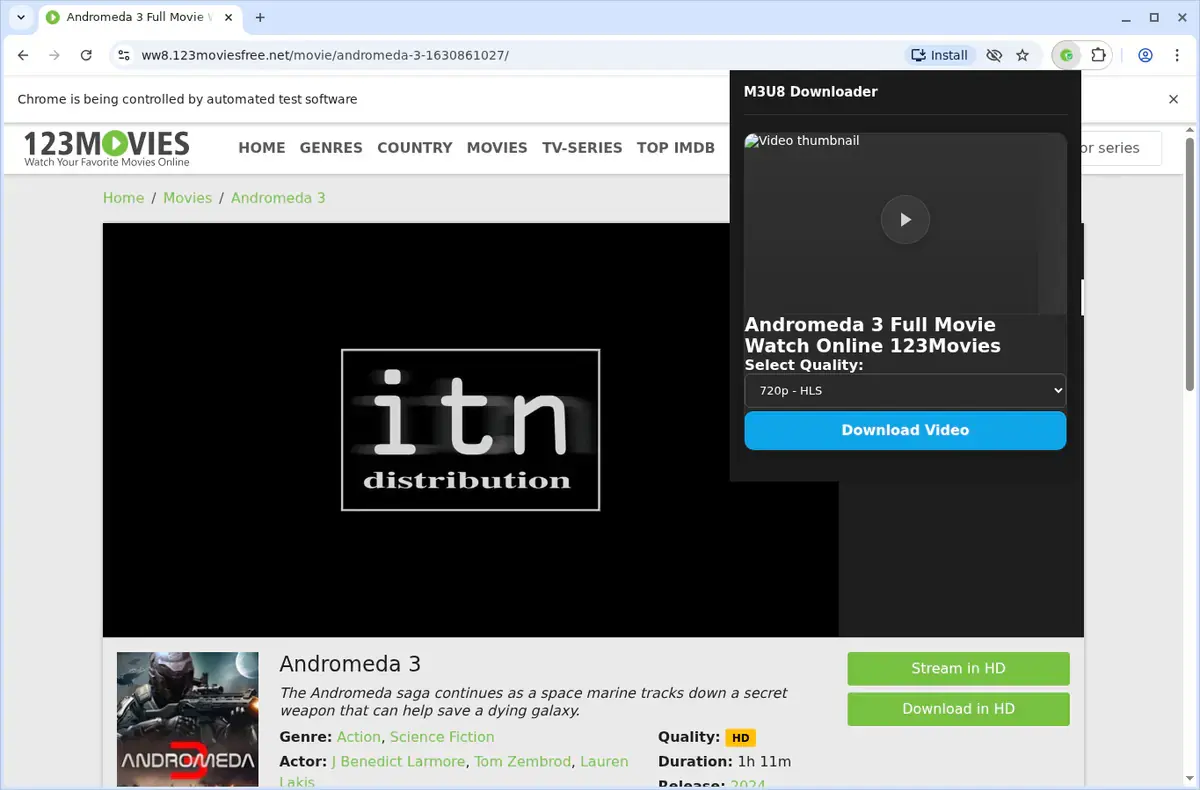
Open the extension so it can find the available content source and show the save options for the current page.
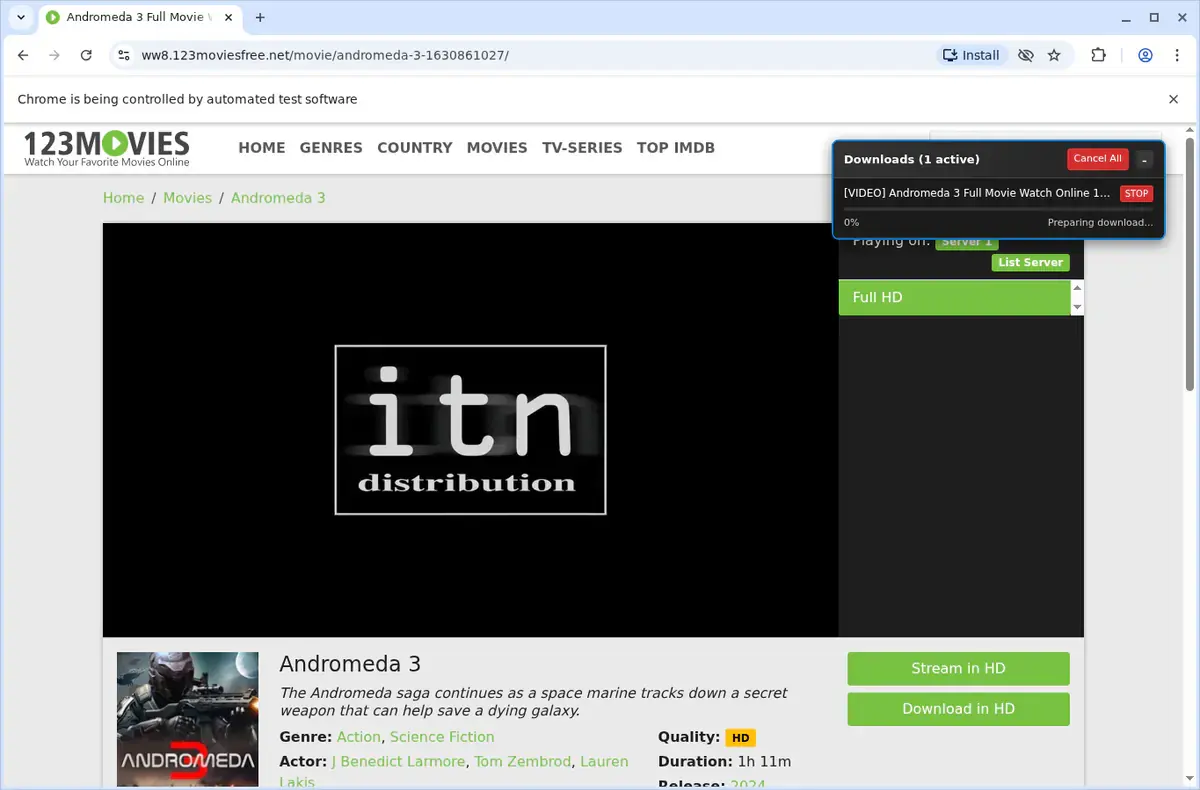
Choose the available quality or file option and save the finished file directly to your device.
Short, practical feedback from people using M3U8 Stream Downloader in real workflows.
I pasted the manifest, chose 1080p, and the tool handled the whole merge. No more command-line scripts for every stream.
Andre Rivas
2025-02-22
Our training portal needs cookies and headers. The downloader forwarded them automatically and delivered clean MP4s.
Miya O’Donnell
2025-03-02
I saved three-hour town halls back-to-back. Retries kept the downloads alive and quality is as good as the source.
Mateo Alvarez
2025-01-31
These comments and ratings were collected during our July 2026 customer survey and reviewed against support records before publication.
Core capabilities included in M3U8 Stream Downloader.
Grab videos from M3u8 while you browse the site.
Open the downloader right from the video you're watching on M3u8.
Reach the tool through the extension's toolbar popup as well.
It targets the video that's open in your browser at that moment.
All downloads go through the browser's regular download mechanism.
Watch the download progress inside the browser's download list.
Downloads organize themselves into your M3U8 folder by default.
It uses whatever video source the site provides, no format details mentioned.
Once it finishes, you get a local video file without naming its type.
You can open finished files straight from the browser's downloads folder.
Save videos to your device so you can watch them later.
The downloader keeps its attention on the current M3u8 page and video.
Videos save directly to your M3U8 folder with the browser's download system.
M3U8 Stream Downloader
Saves to a dedicated M3U8 folder.
Online downloader site
Offsite tools may not organize by source.
M3U8 Stream Downloader
Completed file ready for local viewing.
Online downloader site
You may need to download again from a results page.
M3U8 Stream Downloader
Uses the browser's regular download mechanism.
Online downloader site
File handling depends on the external site.
M3U8 Stream Downloader
Opens from the browser's downloads area.
Online downloader site
Finding the file can require extra navigation.
M3U8 Stream Downloader
Keeps videos on your device for later.
Online downloader site
Some web tools only offer temporary links.
M3U8 Stream Downloader
No reliance on a separate service for storage.
Online downloader site
Submitted links are processed by another service.
Available on major desktop browsers and operating systems used in day-to-day workflows.
Pick the browser build you need. When a direct GitHub release is available, you can grab the ZIP there.
Open the latest GitHub release to download the Chrome build.
Firefox support is in progress and will be enabled soon.
Open the latest GitHub release to download the Edge build.
Open the latest GitHub release to download the Opera build.
Open the latest GitHub release to download the Brave build.
Open the latest GitHub release to download the Whale build.
Open the latest GitHub release to download the Yandex build.
Install from GitHub releases or your user dashboard. ZIP builds include the full desktop extension.
Every requested permission and the job it performs inside the extension.
Writes the final MP4 file to your downloads folder and keeps the queue status accurate for each playlist.
Stores licence activation, preferred quality, and retry settings locally so the downloader stays configured between sessions.
Detects when an HLS stream is available on the current tab and captures the playlist URL automatically.
Allows queued conversions to continue while you switch tabs and restores the progress view when you return.
Injects lightweight scripts to locate manifest URLs, parse variants, and gather necessary headers.
Sends completion or error alerts so you know when conversions finish without monitoring the popup.
Adds a “Detect M3U8 Stream” right-click option for quickly capturing manifests from any page.
Merges HLS segments into MP4 files in the background, preventing the browser UI from freezing during long downloads.
Grants access to sites serving HLS content so the extension can fetch segments and associated playlists directly from those hosts.
Better to know the boundaries up front than find out after checkout.
The playlist and its media segments must remain available to the current browser session
DRM-protected or encrypted HLS streams are not processed
Only the selected video and audio rendition is included in the final file
Subtitles and alternate audio tracks must be saved separately
Multiple playlists run sequentially, so long streams can extend queue time
Safari and mobile browsers are not supported
Keep exploring
Browse every category we support and jump directly into the tools that match your workflow.
23 categories are currently available.
Immediate Access
Product access begins after a successful checkout
Setup Guidance
Installation steps are provided for the supported package
Billing Shown Upfront
Review the selected billing interval before checkout
Convert HLS streams to MP4 without ffmpeg or command-line tooling
Archive webinars, live events, and hosted videos for offline reference
Preserve original quality while keeping downloads private on your device
