01
Open OnlyFans
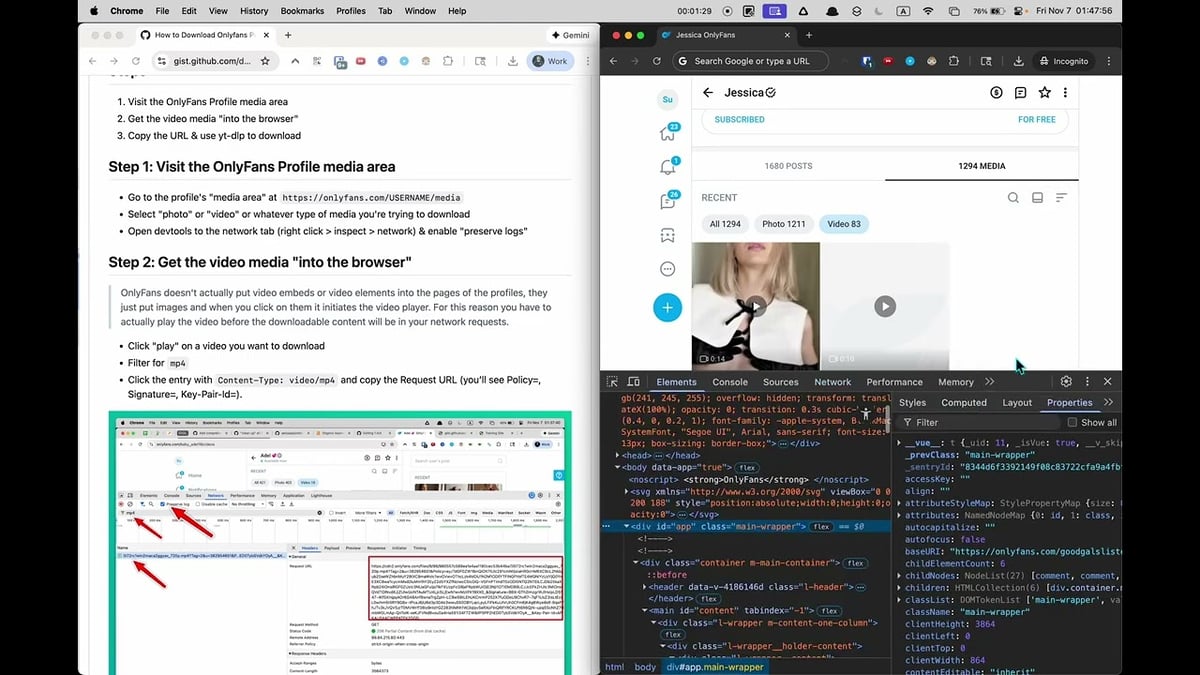
Go to the OnlyFans page with the content you want to save and let it load normally in your browser.
Save OnlyFans videos, images, GIFs, and text posts from one extension instead of juggling multiple tools.
Stop switching between different tools for different content types. The extension detects OnlyFans videos, images, GIFs, and text posts as they load on the page, giving you a single interface to save everything you have access to.
Individual download controls appear on supported media cards, so you can grab a single post instantly. For larger saves, the bulk scanner collects loaded creator media and lets you filter by video, image, or GIF before downloading.
Everything is processed locally using your existing browser session. Videos are saved as standard MP4 files, while images keep their original source quality. Completed downloads are automatically organized into creator-specific folders for easy archiving.

Secure checkout. Start downloading in minutes.
Trusted by 40k+ SERP Apps users.
Private downloads. No ads or tracking.
Part of the SERP Apps Extensions Library.
Open the page, let the extension detect what is available, and save the file to your computer.
Go to the OnlyFans page with the content you want to save and let it load normally in your browser.
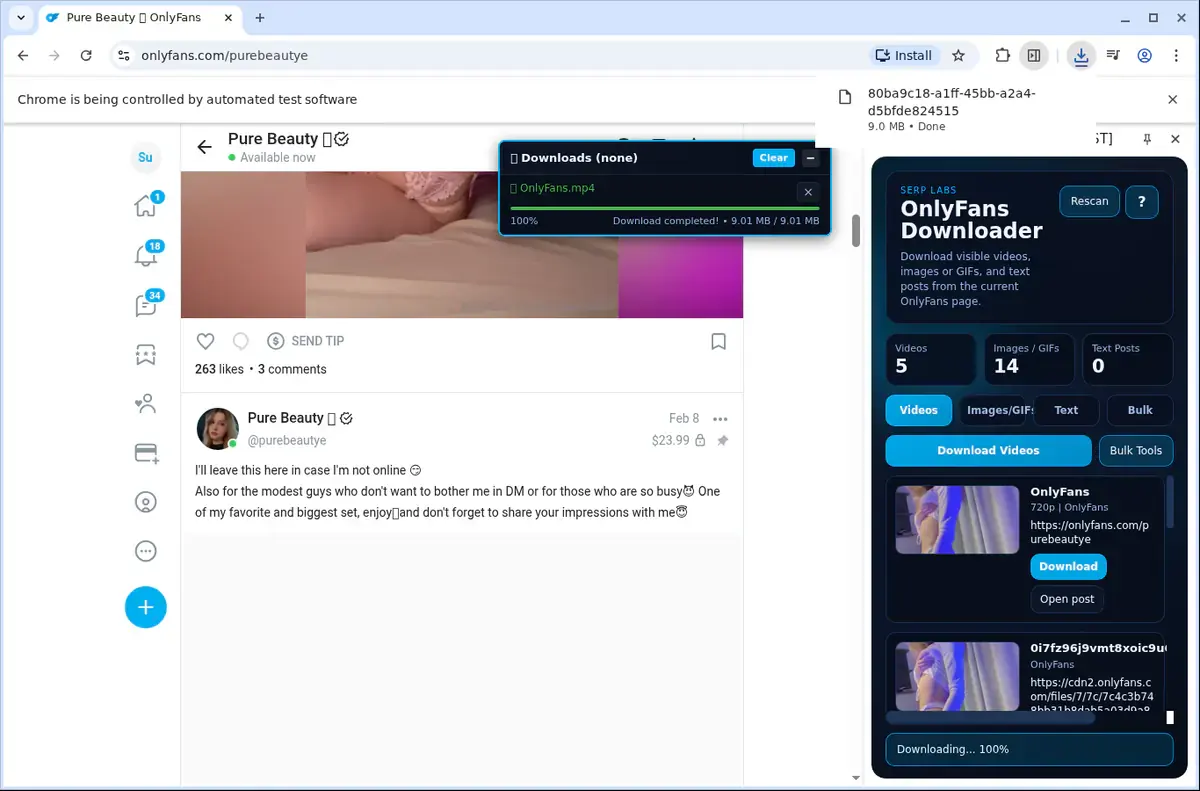
Open the extension so it can find the available content source and show the save options for the current page.
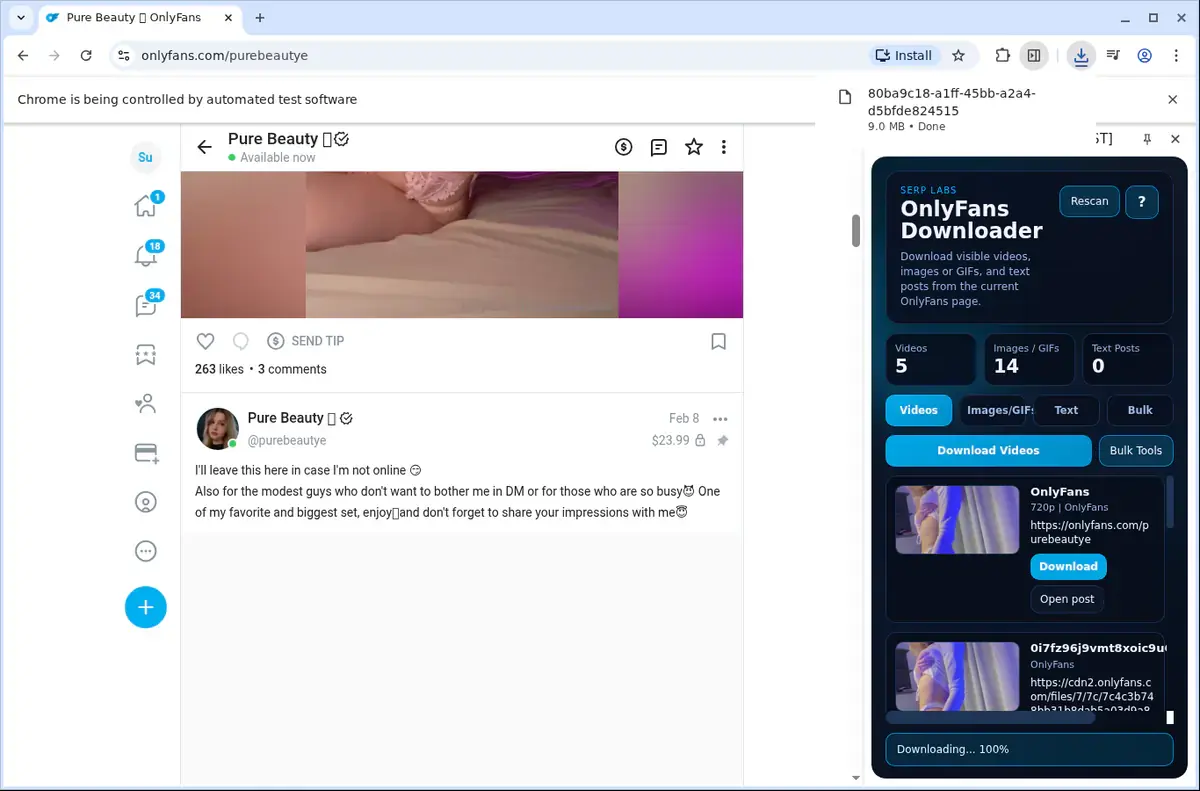
Choose the available quality or file option and save the finished file directly to your device.
Short, practical feedback from people using OnlyFans Downloader in real workflows.
I used it on an OnlyFans post I had access to. Once the video loaded, the file saved and was easy to put in my folder.
Mina
2026-06-22
I saved a video before leaving home because my connection on the road is weak. The local copy played fine later.
Hale
2026-06-24
The page had to load first, then the save worked. I found the file afterward and it opened normally.
Ivy
2026-06-20
These comments and ratings were collected during our July 2026 customer survey and reviewed against support records before publication.
Core capabilities included in OnlyFans Downloader.
Download videos from OnlyFans to your device for offline viewing.
Access the downloader while you are watching a video on OnlyFans.
A quick‑access toolbar popup puts the downloader right at your fingertips.
The downloader focuses on the video currently open in your browser.
Your browser’s normal download system handles the file transfer.
Follow progress in the browser’s download list as it downloads.
Files are saved into a dedicated OnlyFans folder on your device.
Matching what OnlyFans streams, the tool picks up the video automatically.
Saves a completed download as a local video file on your device.
Find your finished clips inside the standard browser downloads folder.
Store videos right on your own machine so they’re ready offline.
The downloader stays focused on the current OnlyFans page and current video.
Trigger downloads from the loaded player instead of pasting a plain link that can miss the active session.
OnlyFans Downloader
Detects the video while it is loaded on the current OnlyFans page.
Link‑Based Online Tool
Pasting only a page link may miss embedded or dynamic content.
OnlyFans Downloader
Focuses on the video currently open in your browser.
Link‑Based Online Tool
Generic tools do not see the player state or session context.
OnlyFans Downloader
Available save option reflects what the page is actually serving.
Link‑Based Online Tool
Some link tools may not discover the video at all.
OnlyFans Downloader
No need to inspect the page or guess the correct stream address.
Link‑Based Online Tool
You may have to manually pick a stream from a confusing list.
OnlyFans Downloader
Works while you are still viewing the OnlyFans page.
Link‑Based Online Tool
Leaving the page can break a timed session the video depends on.
OnlyFans Downloader
The save option appears as soon as the extension detects a video.
Link‑Based Online Tool
You submit the address and wait for the site to scrape the page.
Available on major desktop browsers and operating systems used in day-to-day workflows.
Pick the browser build you need. When a direct GitHub release is available, you can grab the ZIP there.
Open the main product page to get the Chrome build while direct release links are being added.
Firefox support is in progress and will be enabled soon.
Open the main product page to get the Edge build while direct release links are being added.
Open the main product page to get the Opera build while direct release links are being added.
Open the main product page to get the Brave build while direct release links are being added.
Open the main product page to get the Whale build while direct release links are being added.
Open the main product page to get the Yandex build while direct release links are being added.
Install from GitHub releases or your user dashboard. ZIP builds include the full desktop extension.
Every requested permission and the job it performs inside the extension.
Saves videos, images, GIFs, and exported text assets to your device while tracking progress for active downloads.
Stores activation state, creator cache, UI preferences, and bulk workflow settings locally between sessions.
Limits media detection and in-page overlay injection to the OnlyFans tab you are currently viewing.
Keeps the extension synchronized with navigation changes while you move between creator pages, posts, and media tabs.
Injects overlay controls and extracts media sources, text content, and creator context from supported OnlyFans pages.
Handles HLS-to-MP4 processing in a hidden context so the active browsing tab stays responsive during longer conversions.
Uses your existing logged-in OnlyFans session to authorize creator media requests without storing your account password.
Provides the side-panel workflow on supported browsers for reviewing detected media, running bulk scans, and managing downloads.
Allows access to required OnlyFans, CDN, auth, and update-check domains used for session-aware detection, downloads, and activation.
Better to know the boundaries up front than find out after checkout.
You must be logged in to OnlyFans and have valid access to the creator's content.
DRM-protected videos cannot be downloaded and are flagged in the UI.
Available video quality depends on the source variants OnlyFans exposes for that item.
Bulk scans depend on content loading successfully as the page auto-scrolls.
Custom bulk-save folder selection depends on browser support for the File System Access API.
Safari and mobile browsers are not supported.
Email OTP activation is required before trial or paid usage.
Keep exploring
Browse every category we support and jump directly into the tools that match your workflow.
23 categories are currently available.
Immediate Access
Product access begins after a successful checkout
Setup Guidance
Installation steps are provided for the supported package
Billing Shown Upfront
Review the selected billing interval before checkout
Save OnlyFans videos, images, GIFs, and text from one extension instead of juggling multiple tools.
Archive creator libraries faster with overlay buttons for single items and bulk scanner tools for larger saves.
Get standard MP4 output for supported videos while keeping images in their original source formats.
Keep downloads private and organized with local processing, per-creator folders, and session-aware access.