01
Open Beeg
Go to the Beeg page with the content you want to save and let it load normally in your browser.
Save Beeg videos directly on your device so your viewing stays private—no screen recorders or sketchy online tools required.
When you use Beeg Video Downloader, everything happens locally. The extension detects compatible streams on the page and processes them right on your machine. Your activity never leaves your device, unlike browser-based rippers or command-line scripts that may expose your habits.
Choose the best available MP4 and save it straight to a dedicated Beeg downloads folder. The extension creates a recognizable filename from the page title, so you can find your videos later without digging through random strings.
Because detection and download occur in-browser, you maintain full control. There’s no need to upload anything or trust a remote server. It’s a private, self-contained way to build your offline collection.

Secure checkout. Start downloading in minutes.
Trusted by 40k+ SERP Apps users.
Private downloads. No ads or tracking.
Part of the SERP Apps Extensions Library.
Open the page, let the extension detect what is available, and save the file to your computer.
Go to the Beeg page with the content you want to save and let it load normally in your browser.
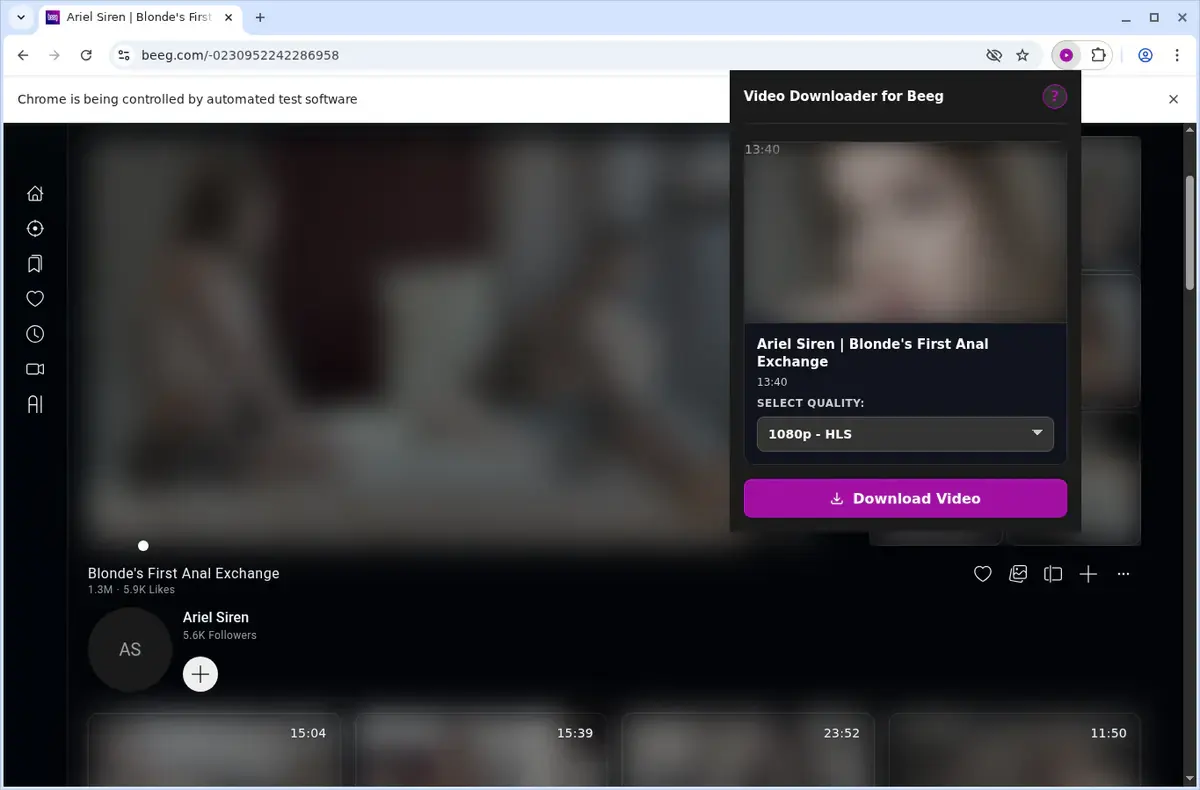
Open the extension so it can find the available content source and show the save options for the current page.
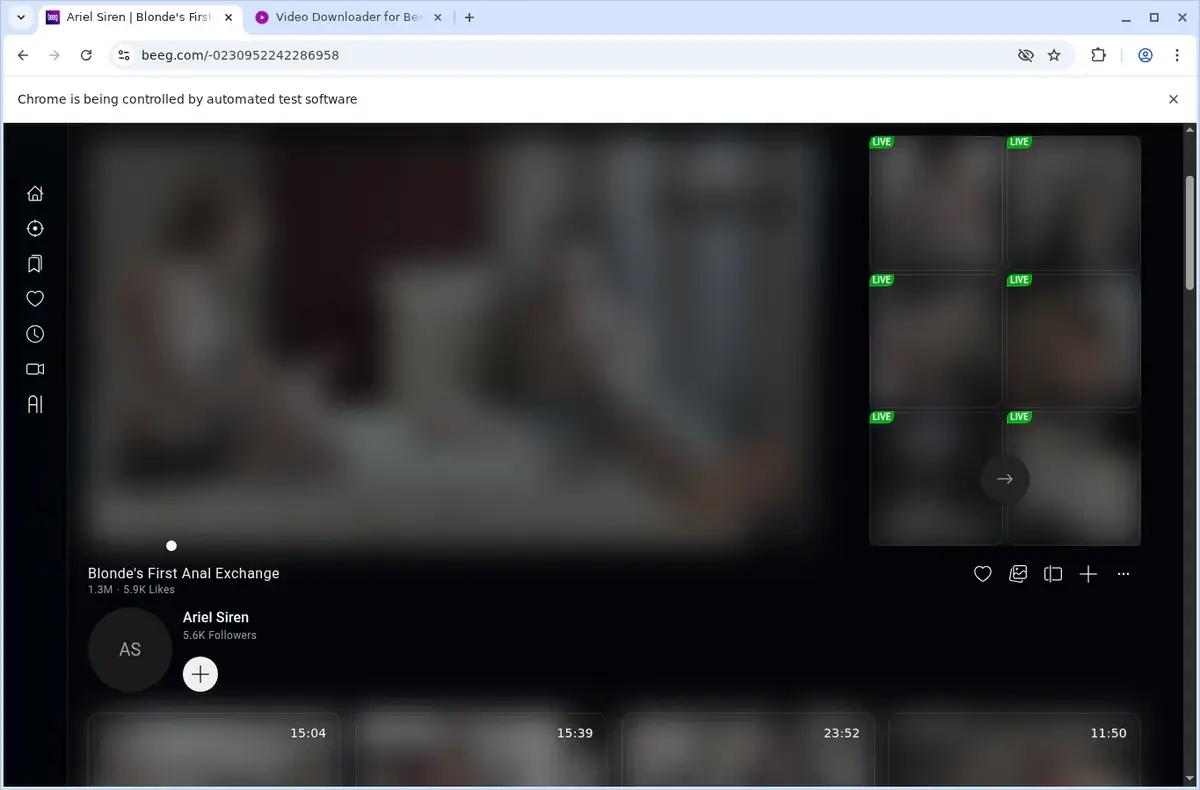
Choose the available quality or file option and save the finished file directly to your device.
Short, practical feedback from people using Beeg Video Downloader in real workflows.
The Beeg video needed playback first, then the extension found it. The saved file played locally without needing the site open.
Cole
2026-06-22
Streaming kept pausing for me, so I saved the file instead. The download finished and I watched it later with no buffering.
Mina
2026-06-24
I opened the video, let it load, and saved it. The file was exactly where I expected when I checked afterward.
Hale
2026-06-20
These comments and ratings were collected during our July 2026 customer survey and reviewed against support records before publication.
Core capabilities included in Beeg Video Downloader.
Collect Beeg videos on your device using the one-click save button.
Initiate downloads right from the button on the current video page.
Fire up a download directly from the extension icon in the toolbar.
Tackles a single video per session for clear, distraction-free saving.
Leverage your browser’s built-in download manager seamlessly.
Monitor download progress directly in your browser’s download list.
Sends files straight into the dedicated Beeg folder on your drive.
Compatible with MP4 video content available on the site.
File stays as MP4, matching what the Beeg page streams.
Open your captured MP4 with whichever player you have installed.
Hold onto the video on your computer for watching when it suits you.
Only zeroes in on the Beeg page and video currently in view.
Get the exact MP4 file from the Beeg page, avoiding the uncertainty of external converter sites.
Beeg Video Downloader extension
File stays as MP4, matching what Beeg streams
Web-based download service
Some sites may convert or change the file type
Beeg Video Downloader extension
Choose the available quality from the format menu
Web-based download service
Quality options can be missing or mislabeled
Beeg Video Downloader extension
Consistent behavior on every Beeg video page
Web-based download service
Each website may process links differently
Beeg Video Downloader extension
No hidden processing steps before the download
Web-based download service
May involve extra waiting on a processing page
Beeg Video Downloader extension
Clear one-video-at-a-time workflow
Web-based download service
Some tools queue links, causing confusion
Beeg Video Downloader extension
Download starts immediately after you pick the format
Web-based download service
You might have to dismiss popups or ads first
Available on major desktop browsers and operating systems used in day-to-day workflows.
Pick the browser build you need. When a direct GitHub release is available, you can grab the ZIP there.
Open the main product page to get the Chrome build while direct release links are being added.
Firefox support is in progress and will be enabled soon.
Open the main product page to get the Edge build while direct release links are being added.
Open the main product page to get the Opera build while direct release links are being added.
Open the main product page to get the Brave build while direct release links are being added.
Open the main product page to get the Whale build while direct release links are being added.
Open the main product page to get the Yandex build while direct release links are being added.
Install from GitHub releases or your user dashboard. ZIP builds include the full desktop extension.
Every requested permission and the job it performs inside the extension.
Writes the finished MP4 to your device and keeps the download manager synchronized with each active Beeg job.
Stores activation state, trial counters, quality preferences, and recent downloader state locally between sessions.
Activates detection and injects controls only on the Beeg page you are currently viewing.
Keeps progress visible while you move between Beeg pages and allows the extension to stay aligned with the correct active video tab.
Reads Beeg API responses, player metadata, and inline page signals so the extension can build a reliable quality list before download.
Shows completion and retry alerts without requiring you to leave the popup open during longer downloads.
Adds the "Download Beeg Video" right-click shortcut on supported page and video contexts.
Converts HLS segments into MP4 in a hidden context so longer adaptive downloads do not freeze the active tab.
Allows access to Beeg, externulls media hosts, auth.serp.co, and api.github.com so detection, activation, update checks, and downloads all work on the supported domains only.
Better to know the boundaries up front than find out after checkout.
You must press play before the extension can detect the active Beeg stream.
Live-stream capture is not supported.
Safari and mobile browsers are not supported.
Available quality depends on what the Beeg player and APIs expose for that video.
Keep the source tab open while longer HLS downloads are being stitched into MP4.
The extension is designed for individual video downloads, not site-wide bulk export.
You must already have permission to access and download the content.
Email OTP sign-in is required to activate the free trial.

Download YouTube videos from the watch page, choose an available quality, and save the completed file to your computer.

Download a compatible M3U8 or HLS video as MP4 by starting playback, confirming the detected stream, choosing a quality, and using Save As.

Download TikTok videos on a PC or Mac with a browser extension that adds a download button directly to supported TikTok video posts.
Keep exploring
Browse every category we support and jump directly into the tools that match your workflow.
23 categories are currently available.
Immediate Access
Product access begins after a successful checkout
Setup Guidance
Installation steps are provided for the supported package
Billing Shown Upfront
Review the selected billing interval before checkout
Save Beeg videos for offline viewing without resorting to screen recorders, developer tools, or command-line download scripts.
Choose the best quality the player exposes and keep a standard MP4 that works in common desktop and mobile media players.
Rely on Beeg-specific detection that can surface sources generic video downloaders often fail to catch.
Keep downloads private because stream discovery, conversion, and saving happen on your own device.