01
Open Fansly Live
Go to the Fansly Live page with the content you want to save and let it load normally in your browser.
Save Fansly live streams in real time so you can rewatch your favorite broadcasts anytime.
Live streams are ephemeral—once the broadcast ends, so does your access. Fansly Live Downloader lets you preserve those moments by recording directly to your computer as you watch. The extension automatically names files with the creator's handle and timestamp, so your archive stays organized without extra effort.
You don't need to record the entire stream. Use the pause and resume controls to capture only the parts that matter to you. The built-in progress indicator shows elapsed time, file size, and recording status, keeping you informed throughout.
Your privacy is protected because everything happens locally on your device. There's no cloud staging or external telemetry. Just open the stream, let the extension detect the source, choose your quality, and save the MP4 file with synchronized audio and video.

Secure checkout. Start downloading in minutes.
Trusted by 40k+ SERP Apps users.
Private downloads. No ads or tracking.
Part of the SERP Apps Extensions Library.
Open the page, let the extension detect what is available, and save the file to your computer.
Go to the Fansly Live page with the content you want to save and let it load normally in your browser.
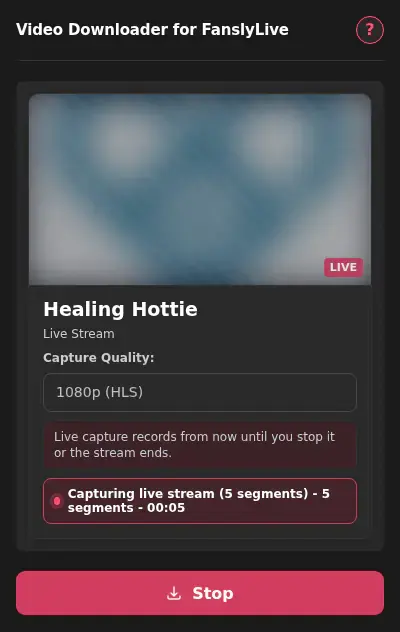
Open the extension so it can find the available content source and show the save options for the current page.
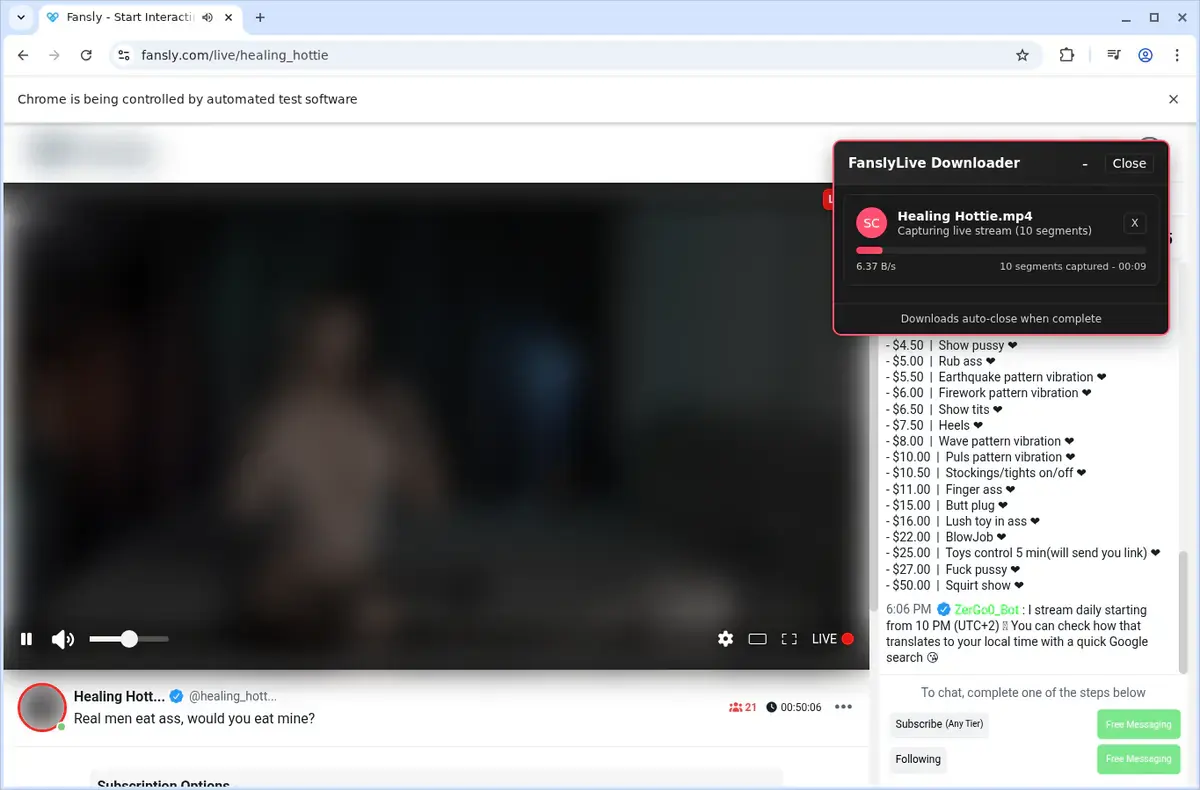
Choose the available quality or file option and save the finished file directly to your device.
Short, practical feedback from people using Fansly Live Downloader in real workflows.
I used it on a Fansly Live video page that was available to me. After it loaded, the saved file played locally.
Dina
2026-06-21
I wanted something I could watch without depending on my connection. The page I tested saved cleanly.
Rae
2026-06-23
The download was easy to check afterward. I opened the file from my folder and it played normally.
Noel
2026-06-25
These comments and ratings were collected during our July 2026 customer survey and reviewed against support records before publication.
Core capabilities included in Fansly Live Downloader.
Grab the video you’re watching on Fansly Live right from the current page.
Start a download while you are watching a video on Fansly Live.
Click the extension icon in your toolbar for another way to begin.
The downloader targets the video you are currently viewing.
Files are handled by your browser’s built‑in download manager.
Monitor the download status in the standard browser downloads list.
Completed videos are automatically placed in a dedicated FanslyLive folder.
Works with the streaming source that Fansly Live uses for playback.
The result is a local video file stored on your computer.
Open finished downloads straight from the browser’s downloads folder.
Keep your saved Fansly Live videos for offline watching anytime.
Operates on the active Fansly Live page and the video you have open.
Downloads stay inside your browser’s familiar download manager, not on a separate site.
Fansly Live Downloader
Uses your browser’s built‑in download system
Online Downloader Site
Progress depends on external site’s interface
Fansly Live Downloader
Monitor status in the standard downloads list
Online Downloader Site
You must return to that site to check progress
Fansly Live Downloader
Files go straight to a dedicated FanslyLive folder
Online Downloader Site
Filenames and folder location depend on the site
Fansly Live Downloader
Open finished files from browser downloads area
Online Downloader Site
May need to manually locate saved files
Fansly Live Downloader
No extra tabs or sites for download management
Online Downloader Site
Another site’s availability affects your download
Fansly Live Downloader
Keeps videos on your device for later viewing
Online Downloader Site
You submit a page link to an external service
Available on major desktop browsers and operating systems used in day-to-day workflows.
Pick the browser build you need. When a direct GitHub release is available, you can grab the ZIP there.
Open the main product page to get the Chrome build while direct release links are being added.
Firefox support is in progress and will be enabled soon.
Open the main product page to get the Edge build while direct release links are being added.
Open the main product page to get the Opera build while direct release links are being added.
Open the main product page to get the Brave build while direct release links are being added.
Open the main product page to get the Whale build while direct release links are being added.
Open the main product page to get the Yandex build while direct release links are being added.
Install from GitHub releases or your user dashboard. ZIP builds include the full desktop extension.
Every requested permission and the job it performs inside the extension.
Writes recorded broadcast data as MP4 files to your local downloads folder.
Reads the current Fansly live stream page to detect the active broadcast and capture stream data.
Stores your license activation, recording preferences, and file naming settings between sessions.
Better to know the boundaries up front than find out after checkout.
One recording session per browser tab at a time
Recording quality depends on the stream quality Fansly delivers to your browser
Browser tab must remain open for the duration of the recording
Chat and on-screen overlays are not captured
Safari and mobile browsers are not supported
Past broadcasts cannot be recorded unless a replay is available
Platform: TikTok (ByteDance) Primary Formats: MP4 (H.264), WebM Content Types: Short videos, live streams, stories Video Specs: Vertical (9:16),...
TikTok videos always contain both audio and video in a single MP4 file, but sometimes you just want the audio track — to save music, quotes, or background...
Udemy hosts its lectures behind login-protected APIs, so you can’t just grab a .m3u8 or .mpd URL from the Network tab.
Keep exploring
Browse every category we support and jump directly into the tools that match your workflow.
23 categories are currently available.
Immediate Access
Product access begins after a successful checkout
Setup Guidance
Installation steps are provided for the supported package
Billing Shown Upfront
Review the selected billing interval before checkout
Preserve authorized live broadcasts that would otherwise disappear after the stream ends
Record only the segments you want with pause and resume controls
Keep your viewing and recording activity completely private with local-only processing
Build an organized archive automatically with creator-based file naming