01
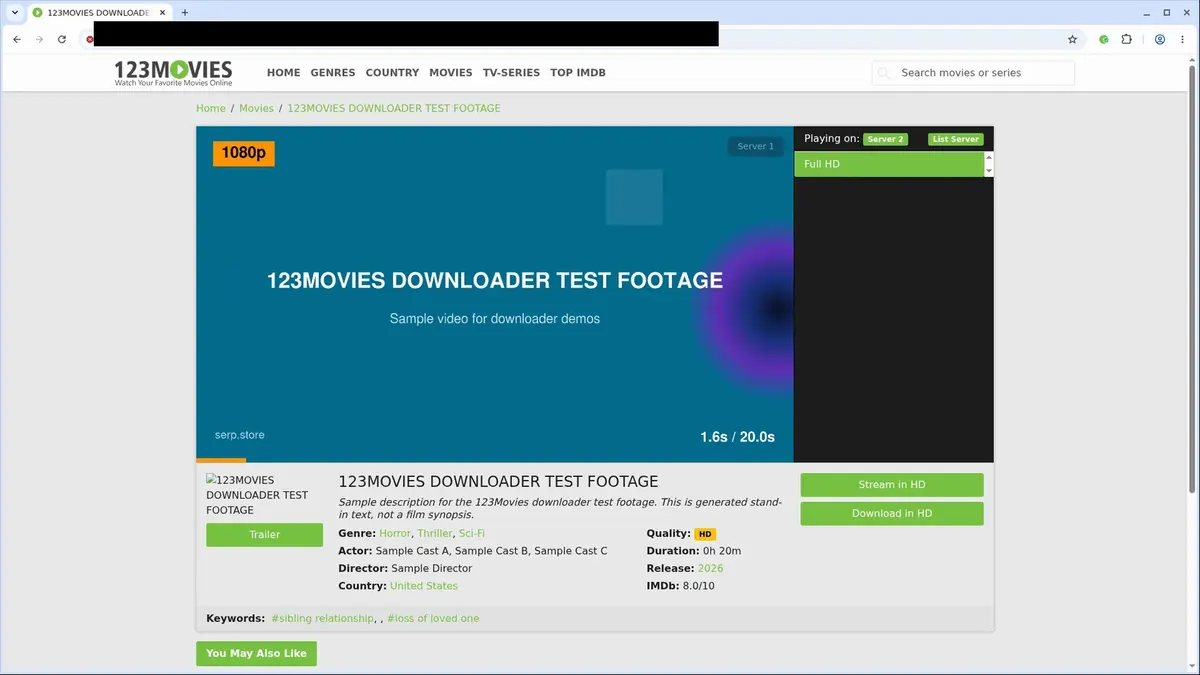
Open 123Movies
Go to the 123Movies page with the content you want to save and let it load normally in your browser.
Save 123Movies videos as standard MP4 files without manual HLS workflows, screen recording, or command-line tools.
Stop wrestling with complicated download methods. 123Movies Video Downloader automatically detects the active video stream once you press play, eliminating the need to inspect media sources or use command-line tools. It handles HLS assembly right in your browser, converting fragmented streams into a single, playable MP4 file.
You stay in control with a straightforward quality selector that shows only the options exposed by the current mirror. The extension keeps the movie context connected throughout, so you won't lose track of your download. Interrupted chunks are automatically retried, ensuring complete files even during longer movies.
Your privacy matters. All MP4 assembly happens locally on your machine, keeping your downloads private. Simply open 123Movies, let the video load, and let the extension do the rest. It's the easiest way to save authorized content before those mirrors disappear.

Secure checkout. Start downloading in minutes.
Trusted by 40k+ SERP Apps users.
Private downloads. No ads or tracking.
Part of the SERP Apps Extensions Library.
Open the page, let the extension detect what is available, and save the file to your computer.
Go to the 123Movies page with the content you want to save and let it load normally in your browser.
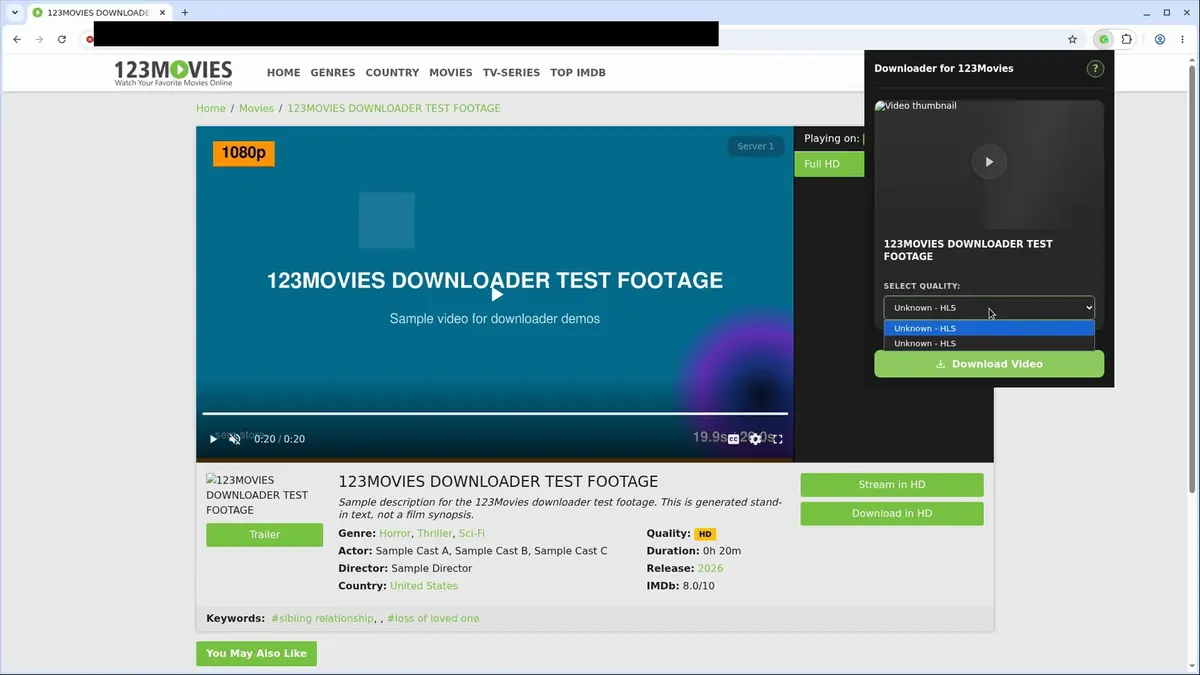
Open the extension so it can find the available content source and show the save options for the current page.
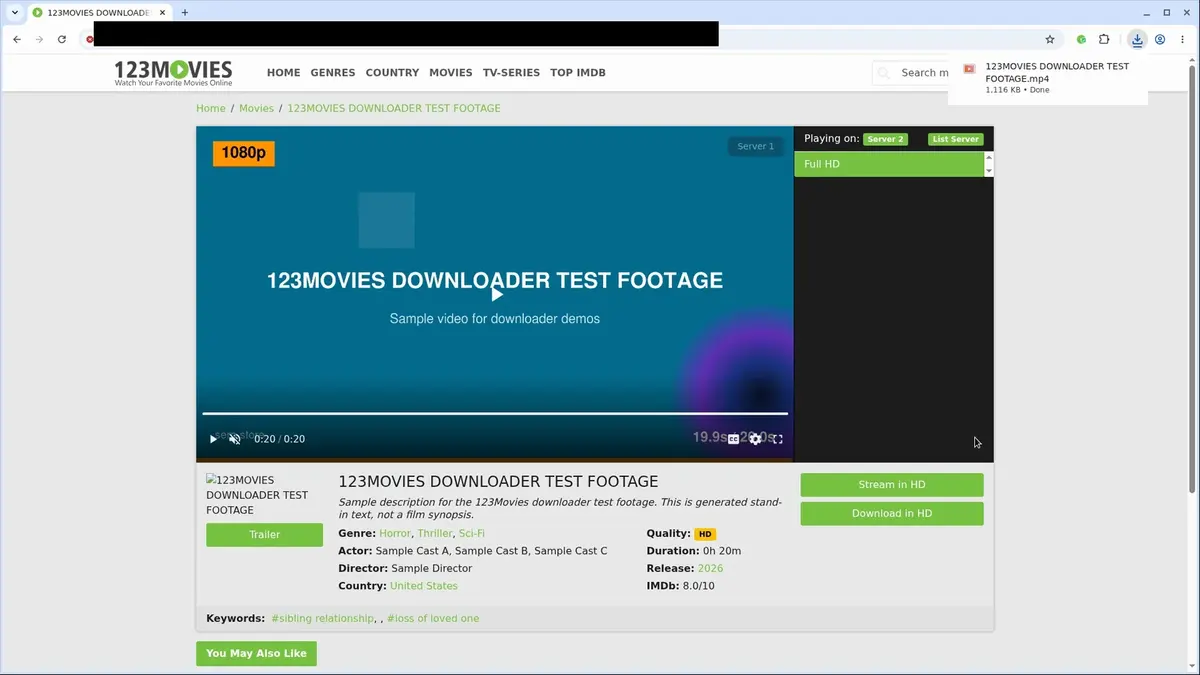
Choose the available quality or file option and save the finished file directly to your device.


Short, practical feedback from people using 123Movies Video Downloader in real workflows.
Two-hour films used to stall on me, but the chunked downloads here finished for me and the MP4s look clean.
Casey Romero
2025-02-18
I grab reference clips for edits and the live status bar removes the guesswork. Worth the subscription for the time it saves.
Lauren Sato
2025-03-01
Mirrors change constantly yet this still finds the stream and keeps everything local with no tracking or extra apps.
Malik Grant
2025-01-26
These comments and ratings were collected during our July 2026 customer survey and reviewed against support records before publication.
Core capabilities included in 123Movies Video Downloader.
Save videos from 123Movies while you have a video page open.
Start a download right from the page where the video is playing.
Open the extension toolbar popup as another way to begin saving.
The extension targets the video that’s currently open in your browser.
Downloads go through your browser’s built‑in download manager.
Keep track of the transfer in the browser’s familiar download list.
Files are saved into a dedicated 123Movies folder on your device.
Works with the video source that the site uses for playback.
The finished download becomes a local video file ready for use.
Open completed files directly from your browser’s downloads folder.
Your downloaded video stays on your device so you can watch it anytime later.
Stays focused on the current 123Movies page and its active video.
The extension gives you a direct save from the 123Movies page you’re watching. Web tools can differ in format and steps.
123Movies Video Downloader
Saves a local video file from the current 123Movies page
Separate downloader website
You must submit the page address to a different service to get a file
123Movies Video Downloader
Works with the video source the site uses for playback
Separate downloader website
Web tools may output formats that vary from the original stream
123Movies Video Downloader
No ad‑supported steps inside the extension workflow
Separate downloader website
Some free downloader sites may show ads or redirects before the download
123Movies Video Downloader
Uses your browser’s download manager for clear progress
Separate downloader website
Progress is only visible on the external tool’s own page
123Movies Video Downloader
Completed files open from your browser’s downloads area
Separate downloader website
You might need to navigate a results page to retrieve your file
123Movies Video Downloader
Files land in a dedicated 123Movies folder
Separate downloader website
File naming and location depend on the service you choose
Available on major desktop browsers and operating systems used in day-to-day workflows.
Pick the browser build you need. When a direct GitHub release is available, you can grab the ZIP there.
Open the latest GitHub release to download the Chrome build.
Open the latest GitHub release to download the Edge build.
Open the latest GitHub release to download the Opera build.
Open the latest GitHub release to download the Brave build.
Open the latest GitHub release to download the Whale build.
Open the latest GitHub release to download the Yandex build.
Install from GitHub releases or your user dashboard. ZIP builds include the full desktop extension.
Every requested permission and the job it performs inside the extension.
Saves the finished MP4 file to your device and lets the extension report accurate progress while the download is running.
Stores licence activation state, email sign-in details, trial status, and interface preferences locally in your browser.
Tracks the active 123Movies page and keeps download state in sync even if you switch tabs while the file is processing.
Observes redirect chains and hidden media requests so the extension can resolve the real stream manifest behind a mirror page.
Detects when a supported page has loaded playback and when the user navigates to a different mirror or player state.
Injects lightweight detectors that read page metadata, active players, and available qualities before handing the stream to the downloader.
Processes HLS-to-MP4 conversion in a hidden context so the browser tab stays responsive during segment merging.
Applies request rules needed to fetch compatible video resources across changing mirror domains and their media hosts.
Grants access to supported 123Movies mirrors, SERP authentication endpoints, and video hosts so detection and download workflows can run correctly.
Better to know the boundaries up front than find out after checkout.
DRM-protected content is not supported.
Live streams are not supported.
Mobile and Safari browsers are not supported.
You must press play before the extension can detect the active stream.
Keep the source tab open while long HLS downloads are being processed.
Available quality depends on what the current mirror exposes.
You must already have access to the content. The extension does not bypass permissions or paywalls.
Email OTP sign-in is required to activate the free trial.
Keep exploring
Browse every category we support and jump directly into the tools that match your workflow.
23 categories are currently available.
Immediate Access
Product access begins after a successful checkout
Setup Guidance
Installation steps are provided for the supported package
Billing Shown Upfront
Review the selected billing interval before checkout
Save authorized 123Movies videos before mirrors disappear or links break
Avoid manual HLS workflows, screen recording, and command-line download tools
Keep downloads private with MP4 assembly handled locally in your browser
Choose the best available quality instead of guessing which stream variant to keep