01
Open Loom
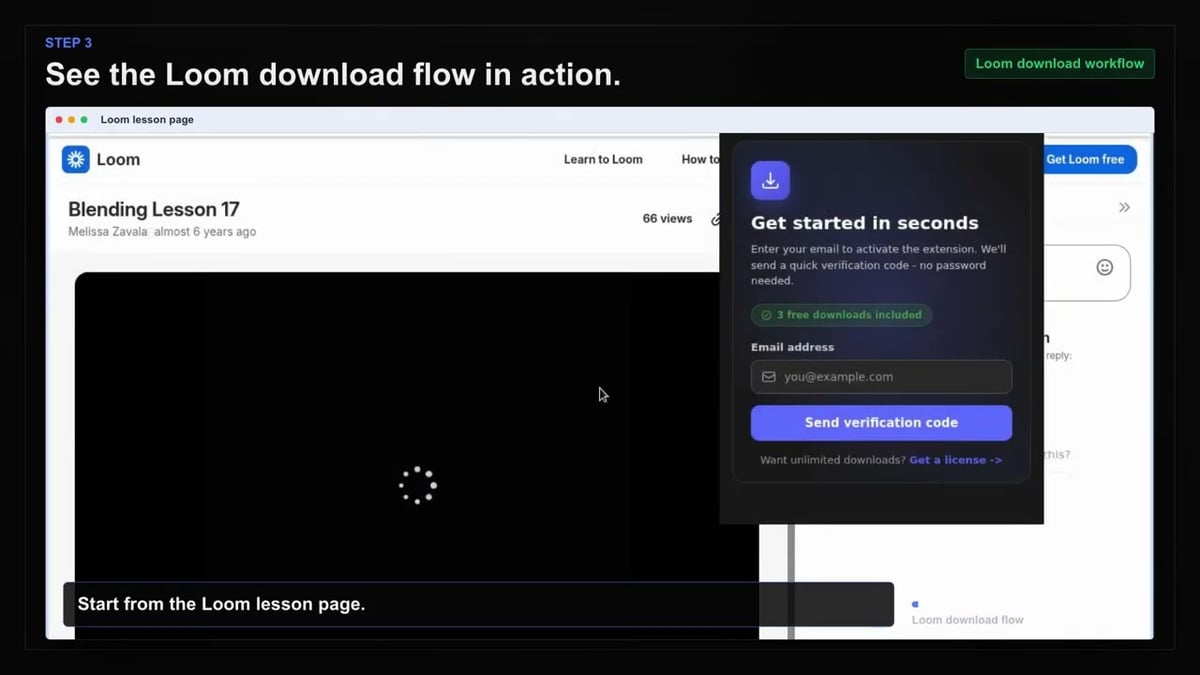
Go to the Loom page with the content you want to save and let it load normally in your browser.
Save any Loom recording as a standard MP4 to keep walkthroughs, demos, and updates forever—even after links expire.
Loom links don’t last forever, but your best content should. With the Loom Video Downloader, you can archive walkthroughs, demos, and training updates before links expire or permissions change. It works directly from supported recording pages, workspace items, share links, and embedded players.
Simply open the recording, let it load, and activate the extension. It finds the available content, shows resolution choices, and saves the file as a standard MP4. Password-protected recordings are handled safely using the current Loom session or recording password flow.
Build an offline library for editing, compliance, or review. Each download uses the original Loom title for a recognizable filename, and you’ll see visible progress while it processes one recording at a time.

Secure checkout. Start downloading in minutes.
Trusted by 40k+ SERP Apps users.
Private downloads. No ads or tracking.
Part of the SERP Apps Extensions Library.
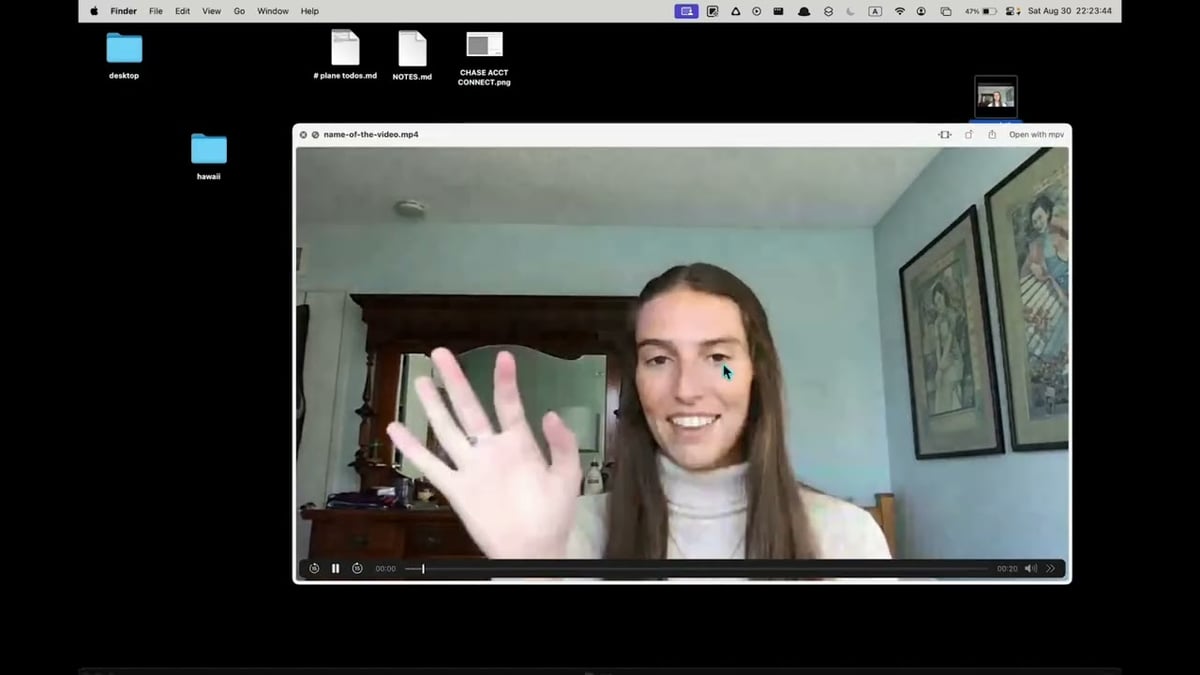
Open the page, let the extension detect what is available, and save the file to your computer.
Go to the Loom page with the content you want to save and let it load normally in your browser.
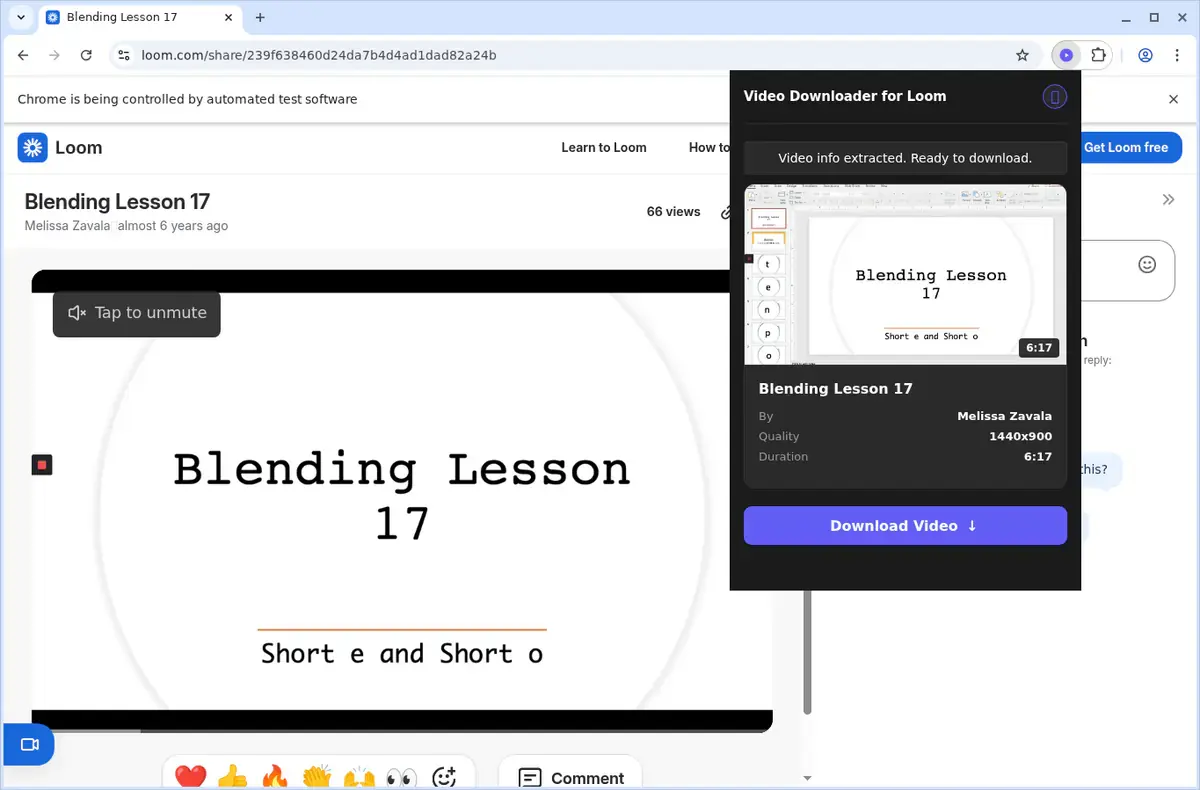
Open the extension so it can find the available content source and show the save options for the current page.
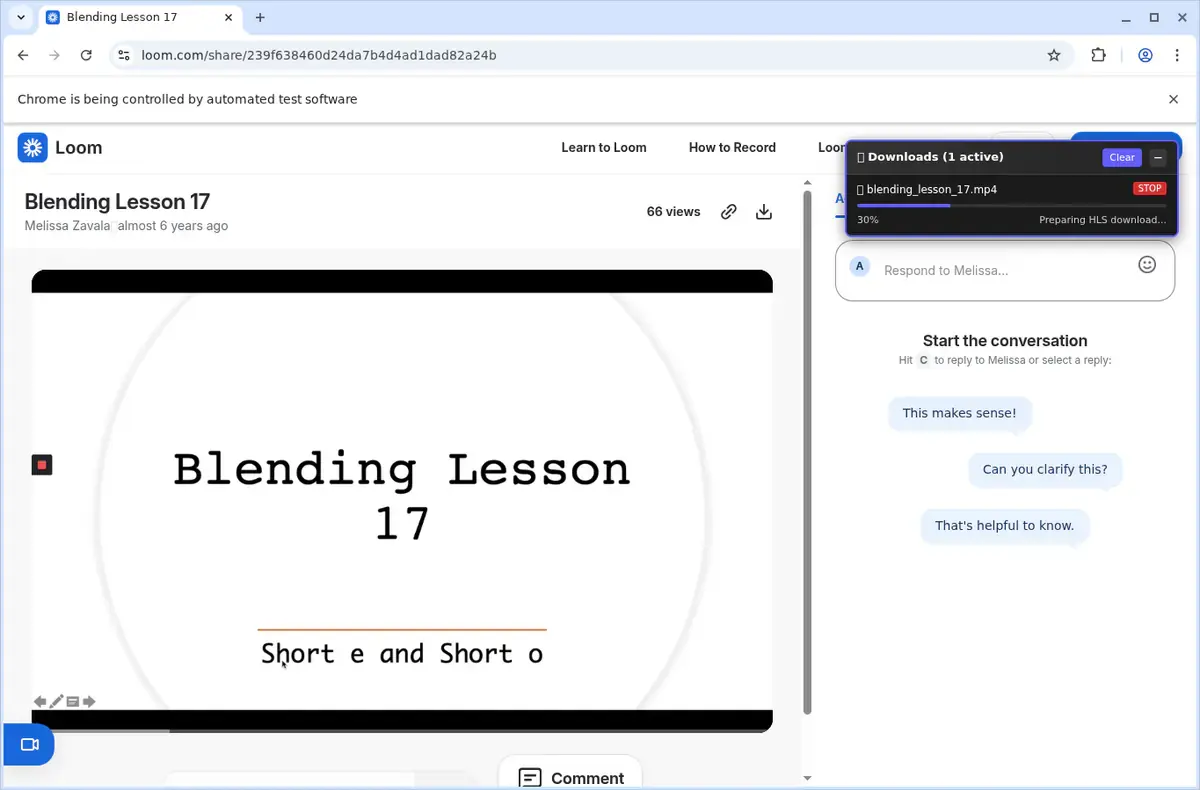
Choose the available quality or file option and save the finished file directly to your device.
Short, practical feedback from people using Loom Video Downloader in real workflows.
Clients lock every Loom share with a password. This prompts once, downloads the MP4, and I never have to chase them for access again.
Rowan Blake
2025-02-20
Our documentation embeds Loom everywhere. The downloader handled the recording I opened and saved a clean MP4 with a useful filename for editing.
Talia Mendes
2025-03-01
We archive selected standups and training clips. The progress and completion notification make each individual save easy to follow.
Gregor Hale
2025-01-27
These comments and ratings were collected during our July 2026 customer survey and reviewed against support records before publication.
Core capabilities included in Loom Video Downloader.
Capture Loom recordings so they stay on your computer.
Reach the tool while a Loom video is playing.
The extension popup in the toolbar offers another entry.
Pulls from the Loom tab open in your browser.
Relies on your browser's standard download workflow.
Watch the progress inside the browser's download list.
Places files in a folder named after Loom.
Matches the video source that the site delivers.
A finished download becomes a local video file.
Locate completed videos in the browser's downloads folder.
Store videos locally so you can replay them later.
Keeps you on the Loom page and the video you're watching.
It matches the video source the site shows, not a tool's guess.
Loom Video Downloader
Matches the video source used by the Loom page
Online downloader website
Output format can vary and may not match the original
Loom Video Downloader
Saves a completed download as a local video file
Online downloader website
Some free sites may show ads or redirects before the download
Loom Video Downloader
Files are placed in a dedicated Loom folder
Online downloader website
File name and folder depend on the site's processing
Loom Video Downloader
Uses your browser's standard download workflow
Online downloader website
Must use the external site's interface for saving
Loom Video Downloader
Progress visible in the browser's download list
Online downloader website
Progress shown only on the site's results page
Loom Video Downloader
Access the downloader while the video plays on Loom
Online downloader website
Requires copying and pasting the page link first
Available on major desktop browsers and operating systems used in day-to-day workflows.
Pick the browser build you need. When a direct GitHub release is available, you can grab the ZIP there.
Open the latest GitHub release to download the Chrome build.
Firefox support is in progress and will be enabled soon.
Open the latest GitHub release to download the Edge build.
Open the latest GitHub release to download the Opera build.
Open the latest GitHub release to download the Brave build.
Open the latest GitHub release to download the Whale build.
Open the latest GitHub release to download the Yandex build.
Install from GitHub releases or your user dashboard. ZIP builds include the full desktop extension.
Every requested permission and the job it performs inside the extension.
Streams the finished MP4 into your downloads folder and keeps progress accurate for the selected Loom recording.
Saves licence activation and last-used quality locally so the extension stays ready between sessions.
Detects when a Loom share page or embedded player is open and injects the download controls into that exact tab.
Keeps the selected download active if you switch tabs and restores its status window when you return.
Reads Loom player data, extracts the current stream manifest, and coordinates password prompts for the selected recording.
Sends completion and error alerts so you know when recordings finish without watching the progress window.
Adds a “Download with Loom Video Downloader” option to the right-click menu for the current share link.
Merges HLS and DASH segments into MP4 files in the background, preventing the active tab from freezing during large downloads.
Uses existing Loom session cookies to access private or team-only recordings without asking for your password again.
Limits privileged access to loom.com, share URLs, and Loom CDNs so the extension only activates where recordings actually live.
Better to know the boundaries up front than find out after checkout.
The Loom recording must be available through the current login, share link, or supplied share password
Resolution choices depend on the qualities provided for the recording
The downloader handles one selected Loom recording at a time
Captions, transcripts, and attachments are not included with the MP4
Expired, deleted, or otherwise unavailable recordings cannot be recovered
Safari and mobile browsers are not supported
Keep exploring
Browse every category we support and jump directly into the tools that match your workflow.
23 categories are currently available.
Immediate Access
Product access begins after a successful checkout
Setup Guidance
Installation steps are provided for the supported package
Billing Shown Upfront
Review the selected billing interval before checkout
Archive Loom walkthroughs, demos, and training updates before links expire
Save password-protected recordings safely without third-party sites
Create MP4 libraries for editing, compliance, or offline review
Keep important async updates available when workspace permissions or share links change