01
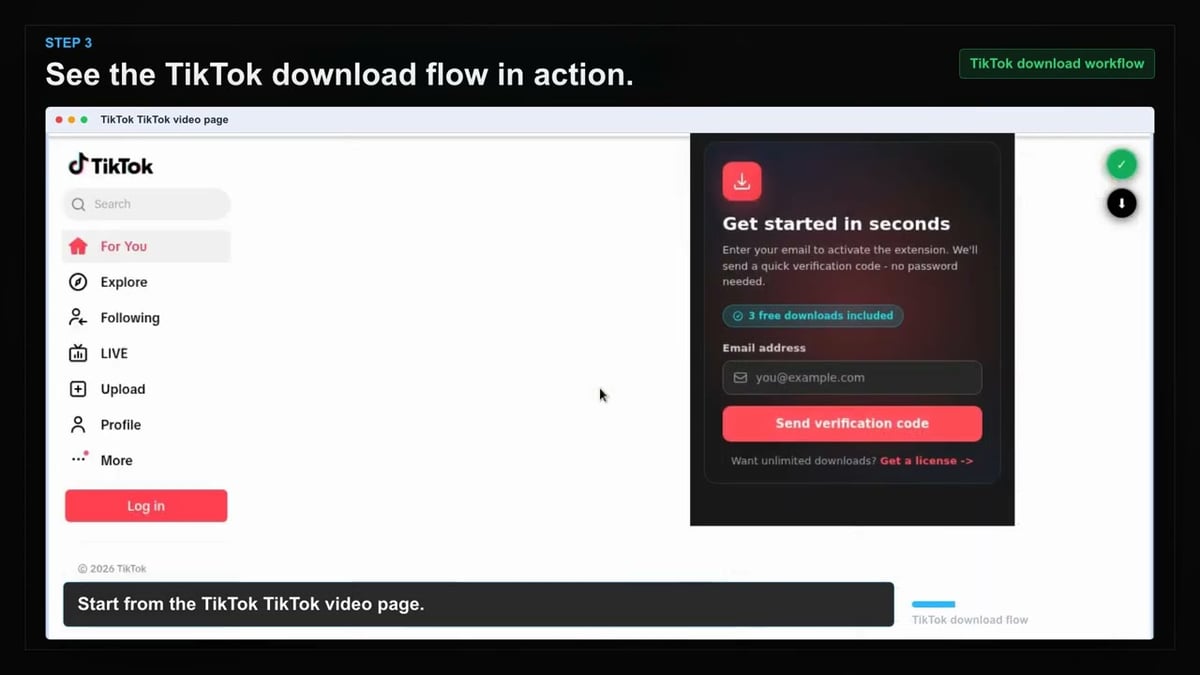
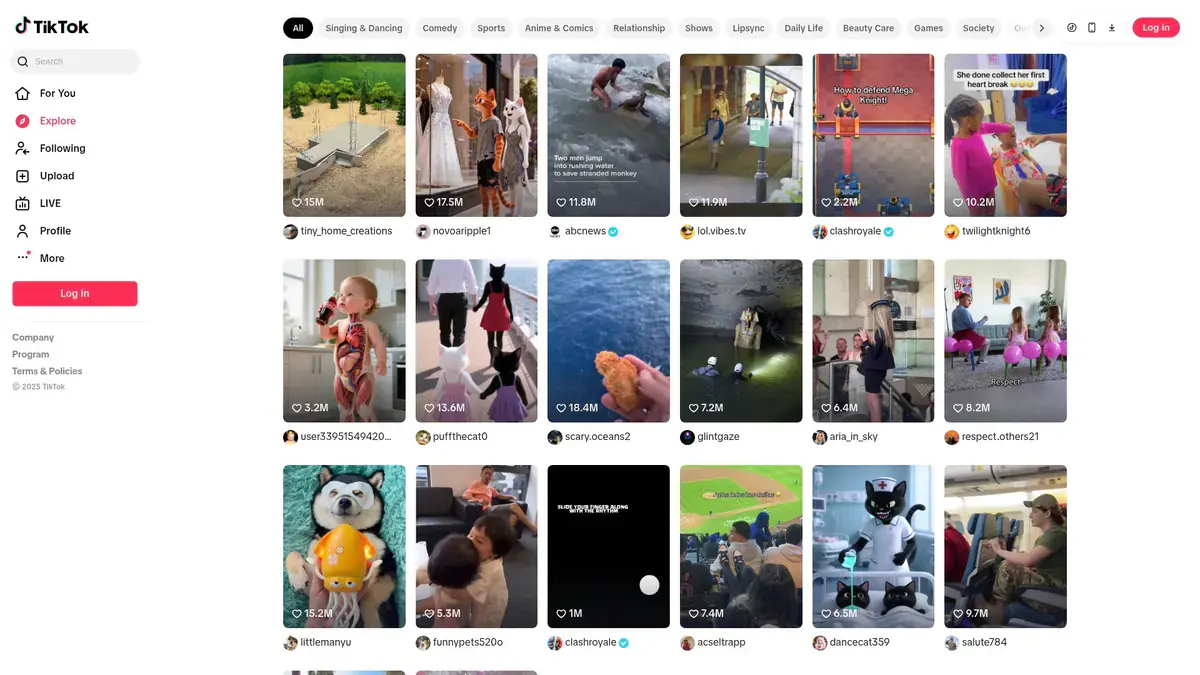
Open Tiktok
Go to the Tiktok page with the content you want to save and let it load normally in your browser.
Save TikTok videos directly to your computer without ever leaving the platform or copying links.
Scrolling through your For You feed and spot a clip worth keeping? The extension places a download button directly on supported posts, so you can save the MP4 without interrupting your browsing. No more copying URLs, no messy converter tabs—just one click and the file lands on your device.
The entire process runs inside your own browser using your active TikTok session. You never share credentials with a third party or risk sketchy websites. Since the extension only accesses content you can already view, your account stays protected while you build an offline library.
Files are named with the creator's handle and video details, making it simple to organize clips for later reference, editing, or client work. Whether you're archiving inspiration or prepping a report, your downloads stay neatly labeled and ready to use.

Secure checkout. Start downloading in minutes.
Trusted by 40k+ SERP Apps users.
Private downloads. No ads or tracking.
Part of the SERP Apps Extensions Library.
Open the page, let the extension detect what is available, and save the file to your computer.
Go to the Tiktok page with the content you want to save and let it load normally in your browser.
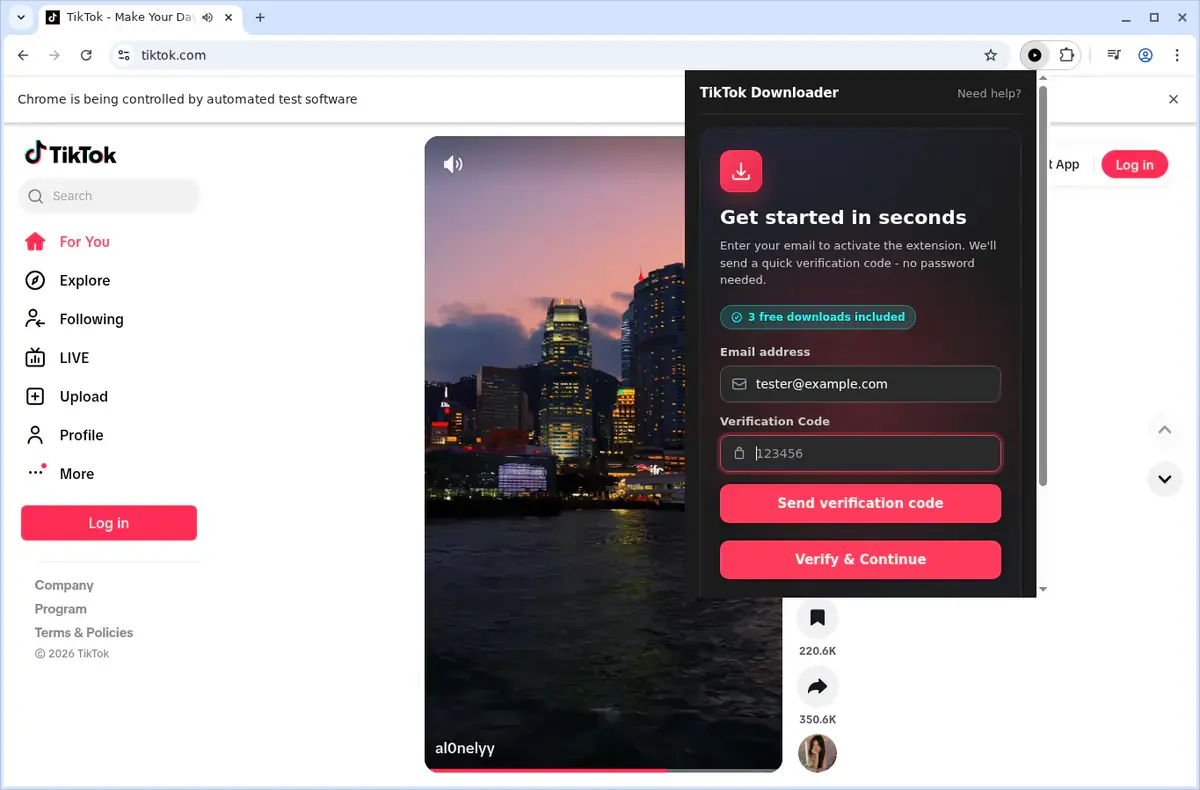
Open the extension so it can find the available content source and show the save options for the current page.
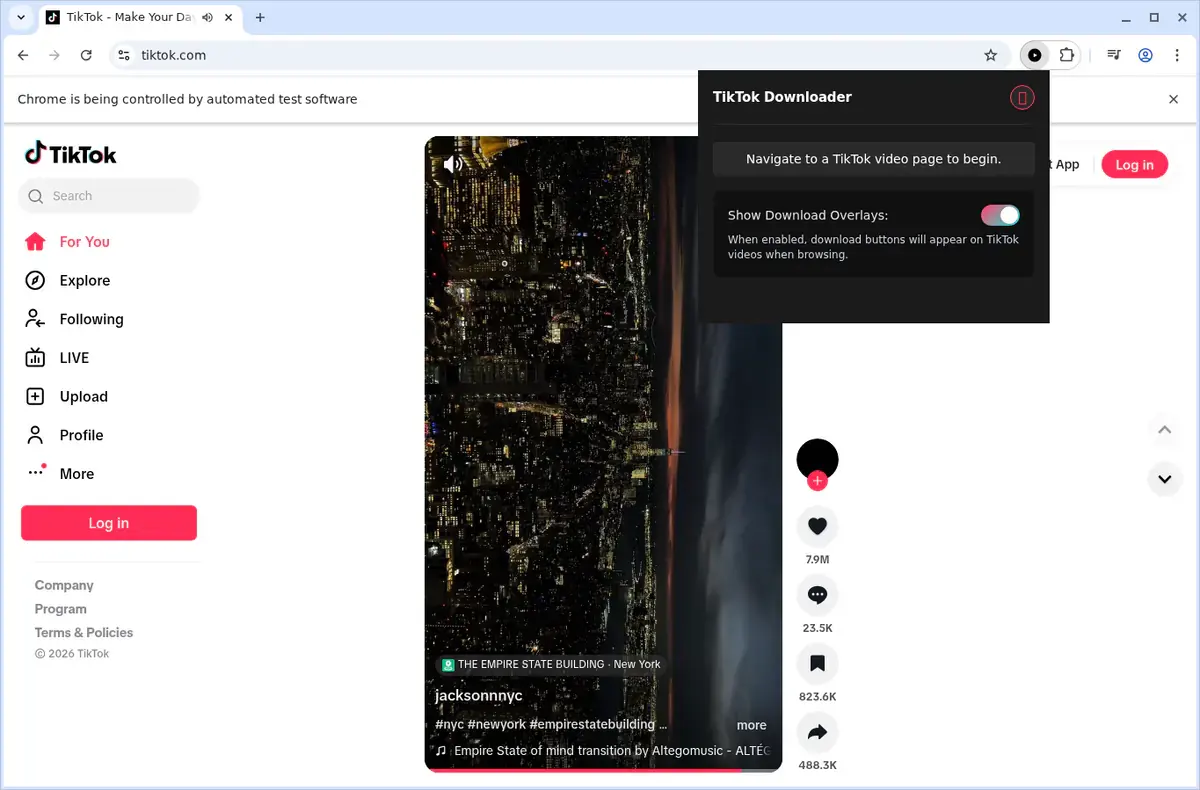
Choose the available quality or file option and save the finished file directly to your device.
Short, practical feedback from people using TikTok Video Downloader in real workflows.
I click the button while scrolling and the MP4 lands instantly. No copy/paste or switching sites.
Riley Maddox
2025-02-17
Buttons show what's downloadable and respect my login. Makes collecting reference clips easy.
Amina Joseph
2025-03-02
I grab trends as I see them and watch offline later. The extension feels like part of TikTok.
Leo Wu
2025-01-29
These comments and ratings were collected during our July 2026 customer survey and reviewed against support records before publication.
Core capabilities included in TikTok Video Downloader.
Grab TikTok clips and keep them handy on your computer for later.
Initiate a download while you are watching a video on TikTok.
Use the extension toolbar popup as another way to access the downloader.
The downloader focuses on the TikTok video currently open in your browser.
Downloads are handled through your browser's standard download system.
Monitor download progress from your browser's built-in download list.
Files are saved into a dedicated TikTok folder on your device.
Works with the video source provided by TikTok, without technical format details.
Completed downloads become local video files ready for playback.
Access your downloaded TikTok videos from the browser's downloads folder.
Keep TikTok videos on your device to watch later without an internet connection.
Stays focused on the current TikTok page and the video you are viewing.
Monitor every download inside your browser, not on a separate site.
TikTok Video Downloader
Downloads use your browser's built-in system.
Online downloader website
Progress depends on an external website's interface.
TikTok Video Downloader
Track progress in your browser's download list.
Online downloader website
You must return to the site to check status.
TikTok Video Downloader
Files save directly to your TikTok folder.
Online downloader website
Results may appear on a separate download page.
TikTok Video Downloader
No need to leave the current TikTok page.
Online downloader website
You copy and submit the page link elsewhere.
TikTok Video Downloader
Works with the video source TikTok provides.
Online downloader website
Some sites may not detect embedded players.
TikTok Video Downloader
Completed files open from your browser's downloads.
Online downloader website
You may need extra steps on the results page.
Available on major desktop browsers and operating systems used in day-to-day workflows.
Pick the browser build you need. When a direct GitHub release is available, you can grab the ZIP there.
Open the latest GitHub release to download the Chrome build.
Firefox support is in progress and will be enabled soon.
Open the latest GitHub release to download the Edge build.
Open the latest GitHub release to download the Opera build.
Open the latest GitHub release to download the Brave build.
Open the latest GitHub release to download the Whale build.
Open the latest GitHub release to download the Yandex build.
Install from GitHub releases or your user dashboard. ZIP builds include the full desktop extension.
Every requested permission and the job it performs inside the extension.
Saves each TikTok MP4 directly to your downloads folder and keeps the progress notification accurate.
Stores licence activation and preference flags locally so download buttons stay enabled between sessions.
Injects download icons into the TikTok page you are actively viewing and captures the relevant video data.
Monitors navigation between feed, profiles, and detail pages so buttons update as you browse.
Reads TikTok's page data, detects playable videos, and retrieves the MP4 URL using your session headers.
Sends completion and error notifications so you know when a download finishes without leaving the feed.
Adds an optional right-click "Download with TikTok Downloader" menu item for direct saves from video links.
Grants access to tiktok.com and related subdomains so the extension can observe videos only on official TikTok pages.
Better to know the boundaries up front than find out after checkout.
Only video posts are supported; slideshows and image-only posts cannot be downloaded.
Downloads capture the video as TikTok serves it, including any watermarks applied by the platform.
You must be logged in and able to view a video in your browser to download it.
One download at a time; queue-based batch downloading is not currently supported.
Video quality depends on what TikTok's web player serves for the desktop site.
Safari and mobile browsers are not supported.
TikTok Live streams cannot be downloaded in real time.
Keep exploring
Browse every category we support and jump directly into the tools that match your workflow.
23 categories are currently available.
Immediate Access
Product access begins after a successful checkout
Setup Guidance
Installation steps are provided for the supported package
Billing Shown Upfront
Review the selected billing interval before checkout
Capture TikTok inspiration as you scroll without leaving the site or copying URLs to shady third-party tools.
Keep offline reference copies for editing, client reports, presentations, or travel without running clips through a separate converter.
Download safely inside your own browser using your legitimate TikTok session with no credentials shared externally.
Stay organized with automatic creator-handle file naming for multi-account content archiving.
Avoid guessing whether a post will work because unsupported formats are labeled before you try to save them.