How to Download Gay Creator Videos from JustForFans
Download JustFor.Fans videos as MP4, save photo galleries and text posts, and bulk save a gay creator's playlist to a folder you choose.
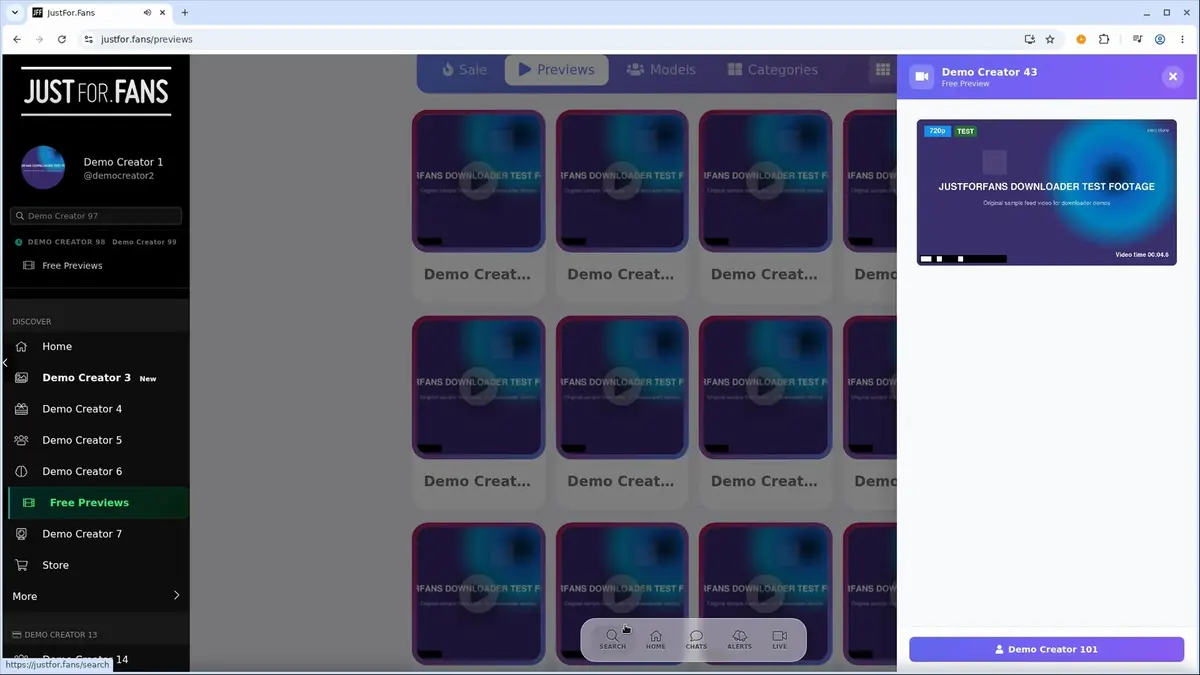
JustFor.Fans is especially popular with gay and bi male creators. To keep the videos you pay for, open the creator's feed while signed in and use JustForFans Downloader: click the download button on a video post, or open the extension and click Download next to the item. To save a whole playlist, use the Bulk tab.
The extension saves only posts your account can already view. It does not unlock subscriptions or paid posts.
Steps
- Sign in and open the creator's feed
- Save a single video, photo set or text post
- Save a whole playlist with the Bulk tab
Step 1: Sign in and open the creator's feed
- Sign in to JustFor.Fans with the account that subscribes to the creator.
- Open the creator's feed and scroll until the posts you want have loaded.
- Play a video once if its post only shows a preview image.
Step 2: Save a single video, photo set or text post
Each video post gets its own download button. Click it to save that video.
You can also open the extension. It lists what it found on the page in separate tabs:
| Tab | What it lists | Saved as |
|---|---|---|
| Videos | Videos in the loaded posts, with the qualities available | MP4 |
| Images | Photos, including every visible image in a gallery or carousel | Original image format |
| Text | The text of the loaded posts | Text file |
Click Rescan after scrolling to pick up newly loaded posts. Then click Download next to the item you want.
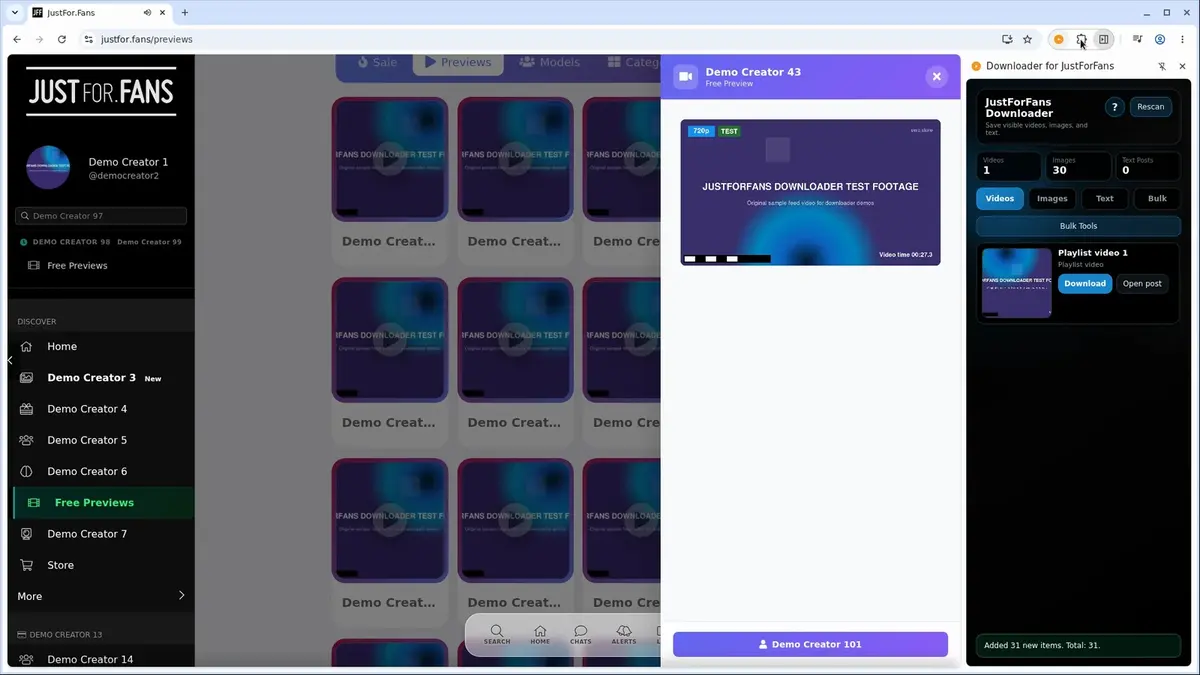
Single downloads are saved in a JustForFans folder inside your browser's Downloads folder.
Step 3: Save a whole playlist with the Bulk tab
JustFor.Fans creators can group their videos into playlists. To save every video in one:
- Open the playlist tray on the creator's page.
- Open the extension and switch to the Bulk tab.
- Start the bulk download and choose a folder when Bulk Saver asks.
Every video in the playlist is saved to that folder, in a subfolder named after the playlist. Videos that are not in a playlist are saved one at a time with Step 2.
If something does not download
New posts do not show up
The extension only sees posts that have loaded. Scroll until they appear, then click Rescan.
A video is missing a quality option
The extension lists the qualities JustFor.Fans provides for that post. It cannot add a higher one.
A live show will not save
Live streams are not supported. The extension saves posted videos, photos and text only.
Start with one video
Install JustForFans Downloader, save one video from a creator you subscribe to and check that it plays, then move on to their playlists.
Related products
Tools that directly support the workflow covered in this article.
Download videos directly from your open Forced Gay Sex Tube tab without leaving your browser.
Save your favorite Gay 0 Day videos directly from the open tab without leaving the page.
Gay and trans cams on Gay Cams Org, saved from public chat in up to 1080p HD.
Read more
View all posts →Save a video from a Skool classroom lesson, community post, course module, or About page as an MP4.
Read articleOct 22, 2025
How to Download MP4 Videos
File Extensions: .mp4, .m4v, .m4a MIME Types: video/mp4, audio/mp4 Container: Multimedia container Codecs: H.264, H.265, AAC, and many others
Read articleOct 22, 2025
How to Download M3U8 and HLS Videos as MP4
Open the page playing the HLS video, let the browser extension detect its M3U8 stream, choose an available quality, and save the MP4.
Read article