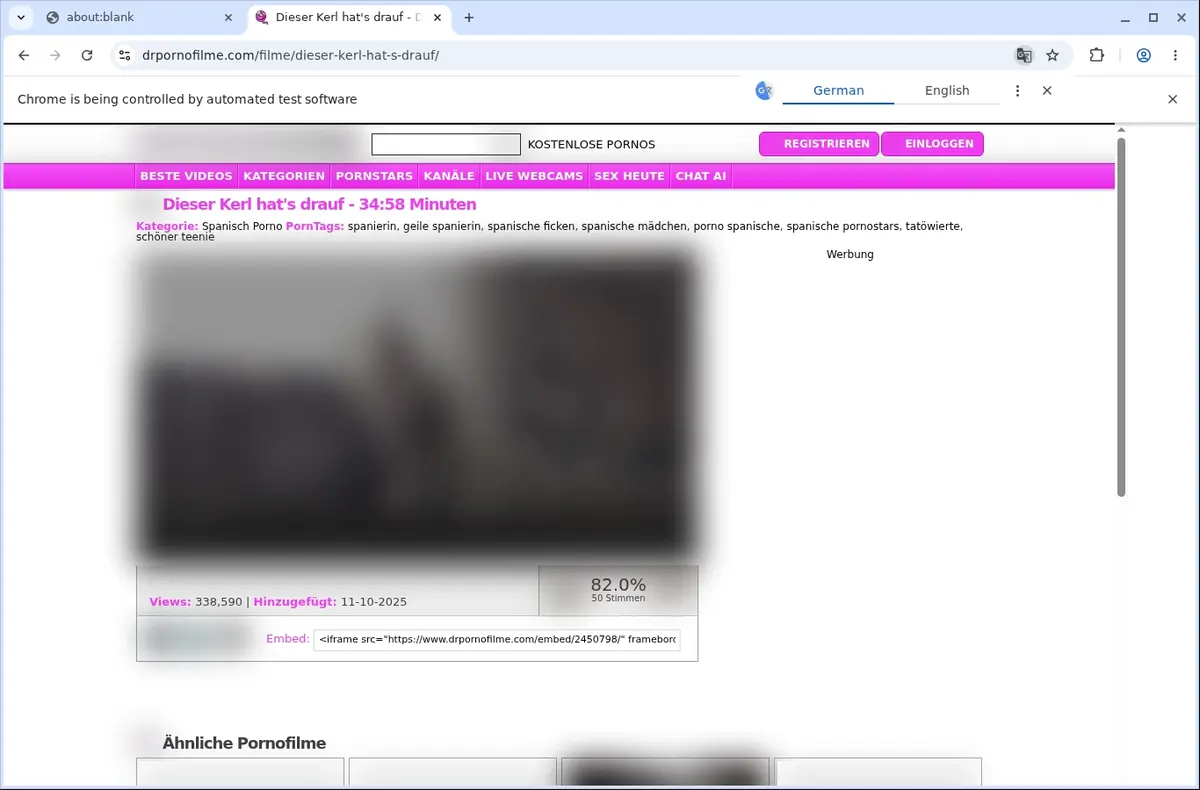
01
Open DrPornofilme
Go to the DrPornofilme page with the content you want to save and let it load normally in your browser.
Save DrPornofilme videos directly from your browser without leaving the page.
When you're watching a video on DrPornofilme, the extension quietly detects the active source once playback starts. It shows you the format and quality choices provided by the player, so you can pick what works best for you. The download then appears in your browser's usual download shelf.
Everything happens on the same page. You don't need to open new tabs, visit external sites, or copy links. The extension uses the browser's visible download list, making the process feel like a natural part of your browsing session.
Saved files are stored in a dedicated product folder with helpful page-based naming. This makes it easy to sort and find your videos later. It's a straightforward way to keep a personal copy for permitted offline viewing.

Secure checkout. Start downloading in minutes.
Private downloads. No ads or tracking.
Email support, answered by the people who built it.
Part of the SERP Apps Extensions Library.
Open the page, let the extension detect what is available, and save the file to your computer.
Go to the DrPornofilme page with the content you want to save and let it load normally in your browser.
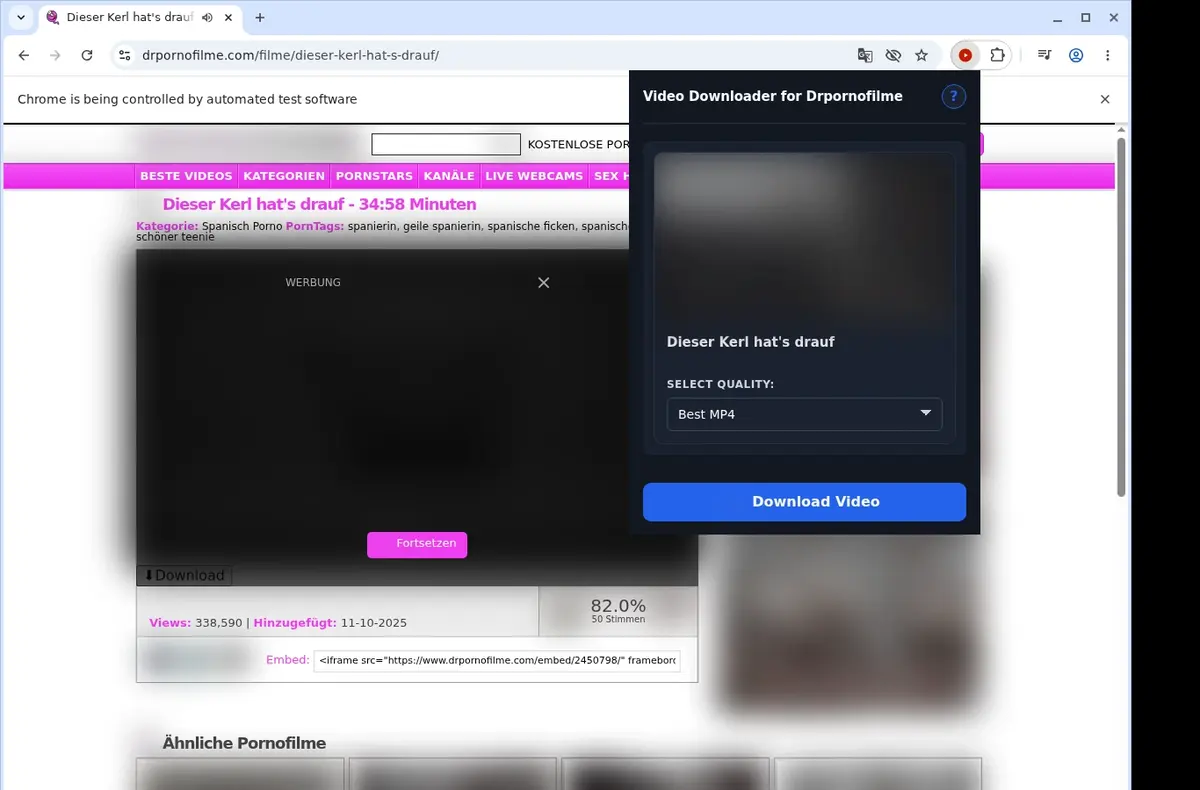
Open the extension so it can find the available video source and show the download option for the current page.
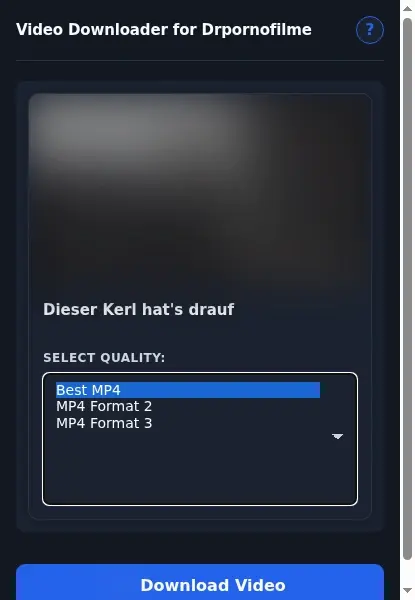
Open the format menu, pick the available file option you want, and save the finished video directly to your device.
Core capabilities included in DrPornofilme Video Downloader.
Capture videos from DrPornofilme directly to your device.
Initiate downloads using the button that appears on the current video page.
Reach the downloader through its toolbar icon as a handy second entry.
Process a single video at a time for straightforward downloading.
Leverage the browser’s built-in download manager for every transfer.
See exactly where the download stands from the list your browser maintains.
Automatically place saved files into the dedicated Drpornofilme folder.
Handle the site’s MP4 video format seamlessly.
Deliver the final file in its original MP4 format without conversion.
Play completed MP4 downloads with any compatible video player.
Store downloaded videos locally for convenient offline viewing.
Stay focused on the DrPornofilme page and the video you are watching.
Use the button on the page or the toolbar popup to begin without leaving.
DrPornofilme Video Downloader Access
Initiate downloads using the button on the current video page.
Online Downloader Website Access
You must copy the DrPornofilme page address and leave the site.
DrPornofilme Video Downloader Access
Reach the downloader through its toolbar icon as a second entry.
Online Downloader Website Access
Only one entry point: pasting a link into the external site.
DrPornofilme Video Downloader Access
Both access points work with the video currently open.
Online Downloader Website Access
The external tool may not recognize the video from a plain page link.
DrPornofilme Video Downloader Access
No need to share your DrPornofilme link with another service.
Online Downloader Website Access
You submit your page address to a third-party website.
DrPornofilme Video Downloader Access
Stays in your browser where you are already watching.
Online Downloader Website Access
The process moves to a separate site's interface and controls.
DrPornofilme Video Downloader Access
Detects available MP4 sources for the current page.
Online Downloader Website Access
Some online tools can fail to find embedded video from a pasted link.
Available on major desktop browsers and operating systems used in day-to-day workflows.
Pick the browser build you need. When a direct GitHub release is available, you can grab the ZIP there.
Open the main product page to get the Chrome build while direct release links are being added.
Open the main product page to get the Edge build while direct release links are being added.
Open the main product page to get the Opera build while direct release links are being added.
Open the main product page to get the Brave build while direct release links are being added.
Open the main product page to get the Whale build while direct release links are being added.
Open the main product page to get the Yandex build while direct release links are being added.
Install from GitHub releases or your user dashboard. ZIP builds include the full desktop extension.
Every requested permission and the job it performs inside the extension.
Saves DrPornofilme video files through the browser download flow.
Checks the selected DrPornofilme tab after the user starts the workflow.
Stores activation, trial, and local preference state.
Shows download status messages.
Adds the configured DrPornofilme browser context-menu download action.
Coordinates popup, background, and page messaging for the selected browser tab.
Injects lightweight DrPornofilme page checks and player controls when the extension is used.
Runs video options processing in an offscreen document so downloads can finish in the browser.
Observes video options requests and redirects used by the active video page.
Allows video detection on DrPornofilme pages and related host patterns.
Better to know the boundaries up front than find out after checkout.
The source page must expose a saveable video option
You must already be able to view the video in your browser
Playback may be required before the extension can detect the active source
Quality options depend on what the current player or host provides
One active video page or download per tab is recommended
Keep the source tab open until the download finishes
Firefox, Safari, and mobile browsers are not supported
The extension does not bypass logins, age gates, paid access, regional limits, protected streams, removed media, unavailable media, or site permissions

Open a TikTok video in your desktop browser, use the download button added to the page, and save the finished MP4 to your computer.

Open the page playing the HLS video, let the browser extension detect its M3U8 stream, choose an available quality, and save the MP4.

Save a video from a Skool classroom lesson, community post, course module, or About page as an MP4.
Keep exploring
Browse every category we support and jump directly into the tools that match your workflow.
23 categories are currently available.
Immediate Access
Product access begins after a successful checkout
Setup Guidance
Installation steps are provided for the supported package
Billing Shown Upfront
Review the selected billing interval before checkout
Keep a personal copy of the video you just watched
Straightforward workflow without leaving the page
Designed to fit naturally into your browsing session