01
Open MissaX
Go to the MissaX page with the content you want to save and let it load normally in your browser.
Download MissaX videos directly from the player page using your browser’s built-in download manager—no external sites needed.
MissaX Downloader works right where you are—inside your browser. Once you’ve opened a MissaX player page and the video has loaded, the extension detects the available source options. It only shows what the current player supplies, so you always know exactly what you can save.
From there, saving is straightforward. Pick your preferred format and quality from the menu, and the download starts using your normal browser download manager. You’ll see the progress just like any other file, and it lands in your usual downloads folder.
Because everything stays in your browser, you avoid sending personal viewing data or links through unknown online services. Your files remain private, organized in the folders you already use, and playable in your favorite media players without extra steps.

Secure checkout. Start downloading in minutes.
Trusted by 40k+ SERP Apps users.
Private downloads. No ads or tracking.
Part of the SERP Apps Extensions Library.
Open the page, let the extension detect what is available, and save the file to your computer.
Go to the MissaX page with the content you want to save and let it load normally in your browser.
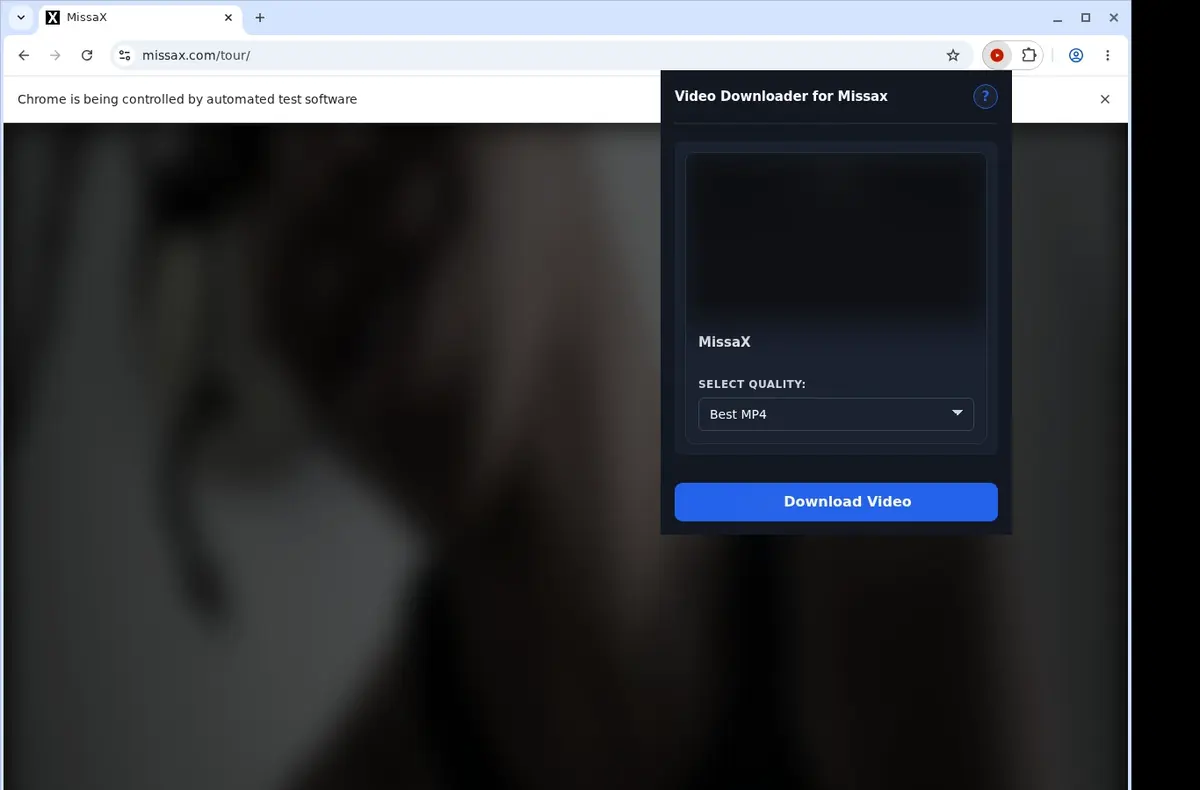
Open the extension so it can find the available video source and show the download option for the current page.
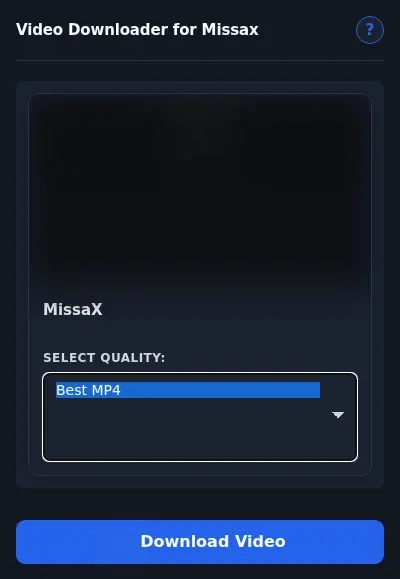
Open the format menu, pick the available file option you want, and save the finished video directly to your device.
Core capabilities included in MissaX Downloader.
Download MP4 videos from MissaX to your device for offline viewing.
Start the download with the button on the current video page.
Open the extension icon in your toolbar for an alternate way to trigger a download.
Download one video at a time for a simple process.
Your browser's built-in downloader moves each file from the site to your device.
Monitor how quickly the transfer completes right from your browser's download panel.
Drag and drop clips into a folder labeled Missax that the extension sets up for you.
Capture any MP4 clip that the MissaX player currently shows.
Your video lands on disk with its original MP4 container untouched.
Launch the finished file in a standard media player and it simply works.
Hold onto every clip you grab so you can revisit the scene whenever you like.
Remain on the exact MissaX clip page while the download proceeds in the background.
Start from the button on the MissaX player or the toolbar icon. You don't need to copy the MissaX address and visit a separate downloader site.
MissaX Downloader
Button right on the MissaX video page
Online Downloader Site
Navigate away to a link-input page
MissaX Downloader
Toolbar icon gives another quick access point
Online Downloader Site
Manually copy the MissaX page address
MissaX Downloader
Remains on the current playing video
Online Downloader Site
Lose the player and session context
MissaX Downloader
No extra tabs or windows needed
Online Downloader Site
Another browser tab for the external service
MissaX Downloader
Detects the MP4 that the MissaX player is using
Online Downloader Site
Link tools may miss embedded video sources
MissaX Downloader
Instant detection when you click the button
Online Downloader Site
Processing time can vary on the remote site
Available on major desktop browsers and operating systems used in day-to-day workflows.
Pick the browser build you need. When a direct GitHub release is available, you can grab the ZIP there.
Open the main product page to get the Chrome build while direct release links are being added.
Open the main product page to get the Edge build while direct release links are being added.
Open the main product page to get the Opera build while direct release links are being added.
Open the main product page to get the Brave build while direct release links are being added.
Open the main product page to get the Whale build while direct release links are being added.
Open the main product page to get the Yandex build while direct release links are being added.
Install from GitHub releases or your user dashboard. ZIP builds include the full desktop extension.
Every requested permission and the job it performs inside the extension.
Saves a selected compatible video through the browser download flow.
Checks the MissaX tab you choose when starting a download.
Keeps local extension preferences between browser sessions.
Shows a status message when a selected download completes or cannot continue.
Better to know the boundaries up front than find out after checkout.
A saveable video source must be exposed to the browser
You must already be permitted to view the video
Quality choices depend on the active player
Mobile browsers and Safari are not supported

Download Whop videos from the lesson or post open in your browser. Find the video, scan the page, save the MP4, and check the result.

Download videos from Circle lessons and posts, including supported native and embedded players, using a clear current-page browser workflow.

Download TikTok videos on a PC or Mac with a browser extension that adds a download button directly to supported TikTok video posts.
Keep exploring
Browse every category we support and jump directly into the tools that match your workflow.
23 categories are currently available.
Immediate Access
Product access begins after a successful checkout
Setup Guidance
Installation steps are provided for the supported package
Billing Shown Upfront
Review the selected billing interval before checkout
Set aside eligible videos for a future viewing session
Avoid moving links through an unrelated online service
Keep personal files in the folders and players you already use