01
Open FemdomHD
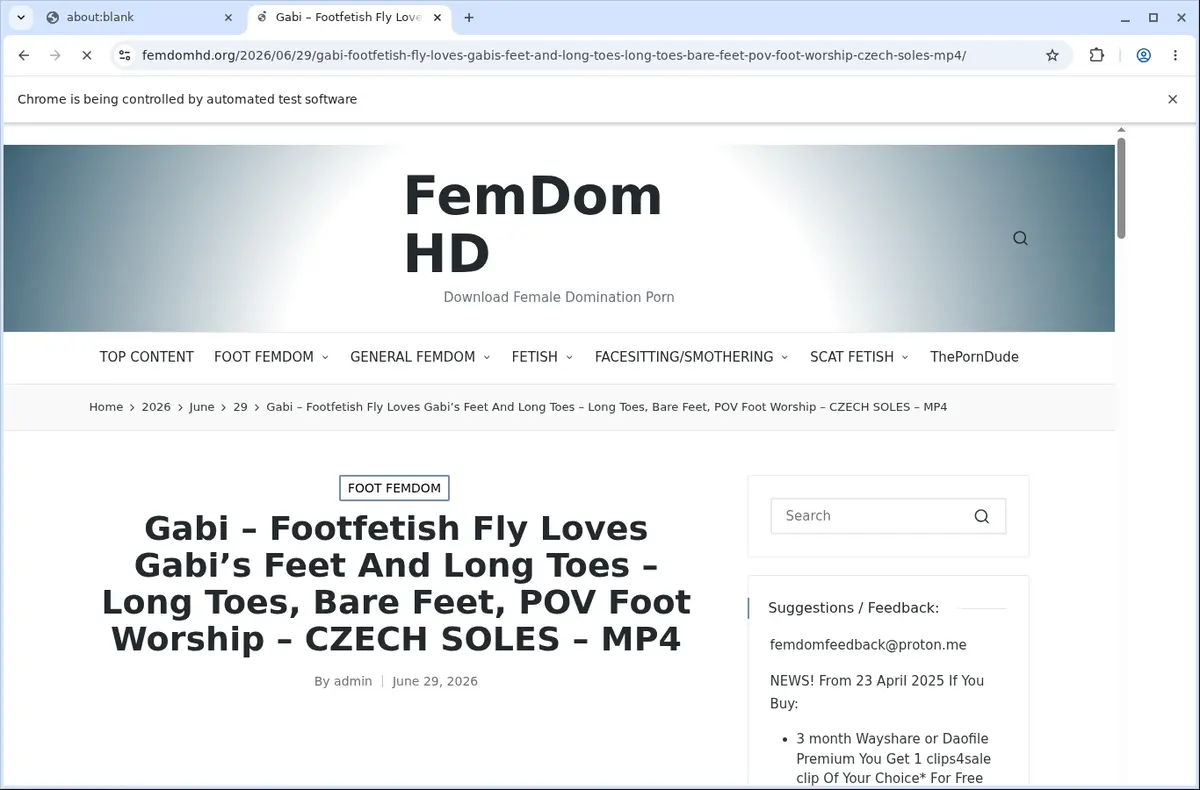
Go to the FemdomHD page with the content you want to save and let it load normally in your browser.
Save FemdomHD videos in one click without hunting for direct MP4 links in page requests.
You’re already on the FemdomHD page, so why complicate things? Open the extension while the video loads, and it automatically finds the available MP4 source for you. There’s no need to dig through network tabs or inspect page elements.
The extension waits for the player to begin loading before presenting the download option, ensuring the file is ready when you are. It’s a straightforward, active-tab workflow that keeps everything right where you expect it.
Once detected, pick your preferred format from the player-provided choices and save. The file lands on your device with a cleaned-up filename, ready for personal viewing or local sorting—no extra steps.

Secure checkout. Start downloading in minutes.
Trusted by 40k+ SERP Apps users.
Private downloads. No ads or tracking.
Part of the SERP Apps Extensions Library.
Open the page, let the extension detect what is available, and save the file to your computer.
Go to the FemdomHD page with the content you want to save and let it load normally in your browser.
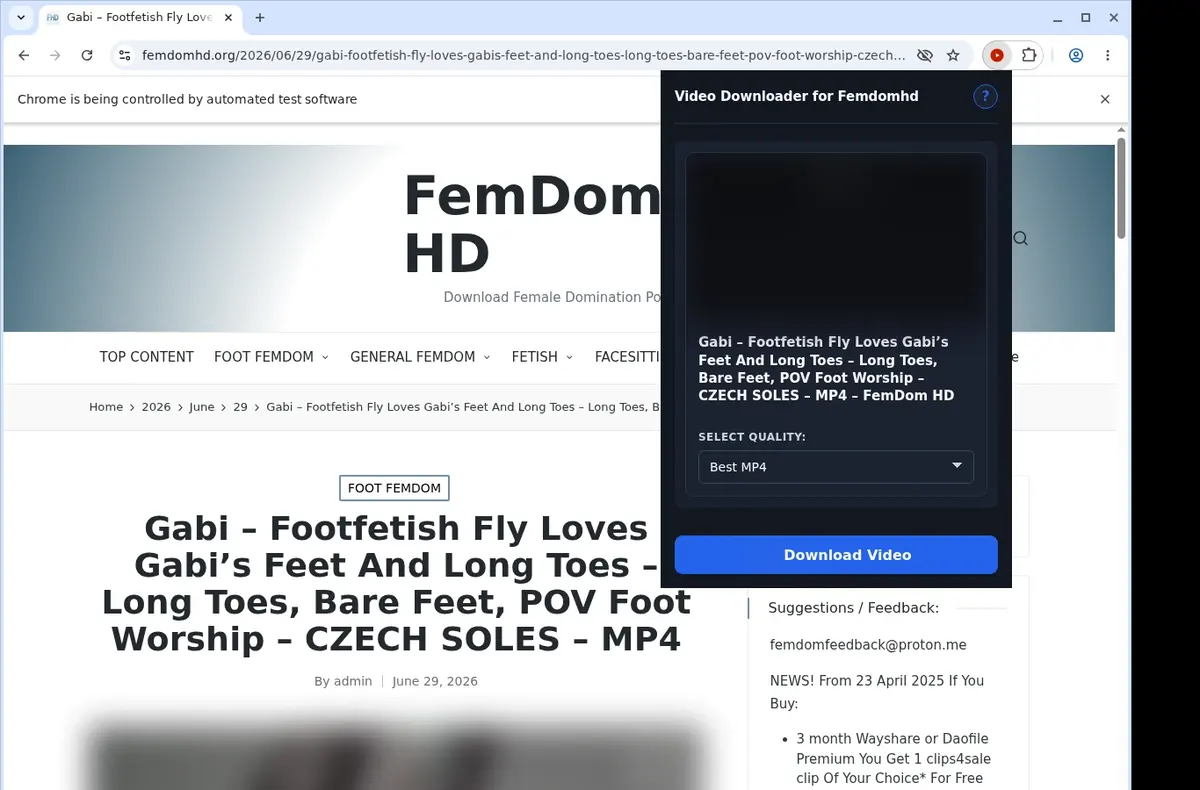
Open the extension so it can find the available video source and show the download option for the current page.
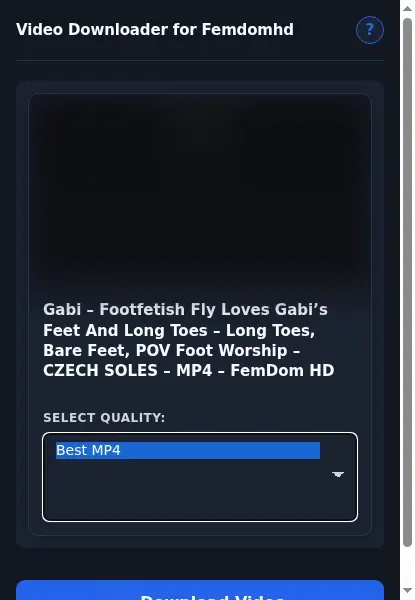
Open the format menu, pick the available file option you want, and save the finished video directly to your device.
Core capabilities included in FemdomHD Downloader.
Seamlessly save videos from FemdomHD to your local storage.
Start saving the video you're watching by clicking the button right on that page.
Open the extension's popup in the toolbar for a handy way to trigger a download.
Pick a single video to grab at a time, keeping your session simple and clear.
Downloads are managed through your browser's built-in download system.
Check how your fetch is going inside the standard browser downloads list.
Your clips land straight inside a folder named Femdomhd without extra steps.
Compatible with MP4 video streams available on the site.
What you pull remains a genuine MP4, no format shift occurs during the process.
Open the finished MP4 with whatever media player you have that handles it.
Hang onto the videos you download and watch them at your convenience, off the web.
Operations stay focused on the current FemdomHD page and video.
How the extension uses the download list you already know, versus an online downloader that keeps progress on its own pages.
FemdomHD Downloader in your browser
Progress tracked in your browser's download list
Separate online downloader site
You must check the online tool's own progress page
FemdomHD Downloader in your browser
Uses the browser's built-in download system
Separate online downloader site
Relies on the external site's interface and availability
FemdomHD Downloader in your browser
Saves straight into a Femdomhd folder
Separate online downloader site
Files can end up in a generic location with no clear label
FemdomHD Downloader in your browser
No extra service page to watch for completion
Separate online downloader site
You may need to keep the downloader site open
FemdomHD Downloader in your browser
Open finished MP4 with your usual video player
Separate online downloader site
Output might require a specific player or conversion step
FemdomHD Downloader in your browser
Handles FemdomHD MP4 files directly
Separate online downloader site
Some services add a results page with additional clicks
Available on major desktop browsers and operating systems used in day-to-day workflows.
Pick the browser build you need. When a direct GitHub release is available, you can grab the ZIP there.
Open the main product page to get the Chrome build while direct release links are being added.
Firefox support is in progress and will be enabled soon.
Open the main product page to get the Edge build while direct release links are being added.
Open the main product page to get the Opera build while direct release links are being added.
Open the main product page to get the Brave build while direct release links are being added.
Open the main product page to get the Whale build while direct release links are being added.
Open the main product page to get the Yandex build while direct release links are being added.
Install from GitHub releases or your user dashboard. ZIP builds include the full desktop extension.
Better to know the boundaries up front than find out after checkout.
The active page must expose a compatible direct MP4
Player loading may be needed before the file is available
File quality and duration vary by page
No protected-delivery or access-control bypass
No bulk collection workflow

Download Whop videos from the lesson or post open in your browser. Find the video, scan the page, save the MP4, and check the result.

Download Vimeo videos from public pages, private links, password-protected players, embeds, and review pages.

Download YouTube videos from the watch page, choose an available quality, and save the completed file to your computer.
Keep exploring
Browse every category we support and jump directly into the tools that match your workflow.
23 categories are currently available.
Immediate Access
Product access begins after a successful checkout
Setup Guidance
Installation steps are provided for the supported package
Billing Shown Upfront
Review the selected billing interval before checkout
Start from the FemdomHD page you already have open
Avoid looking through page requests for a direct video file
Keep a compatible permitted MP4 on your own device
Know when a page is outside the direct-MP4 workflow