01
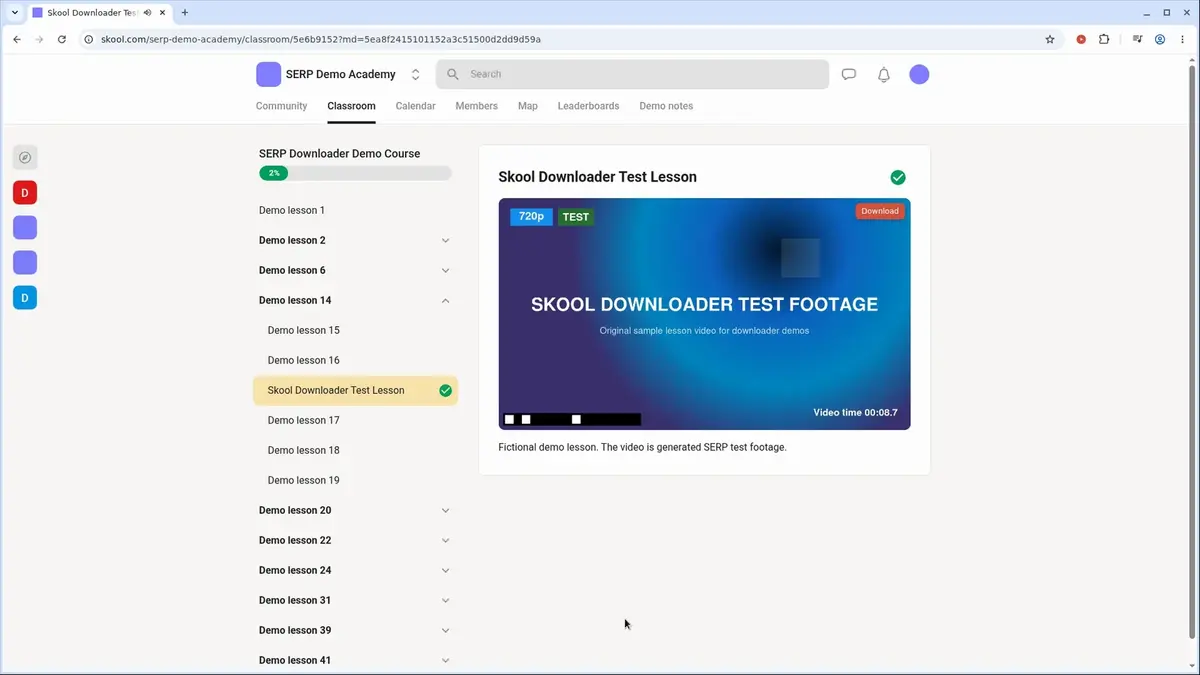
Open a Skool video
Go to the classroom lesson, community post, course module, or replay you want to save.
Save any Skool lesson as an MP4 and study anywhere, even without Wi-Fi.
Your courses shouldn't vanish when your membership ends. Skool Video Downloader lets you keep every lesson, community video, and module replay. It converts Skool's native streams plus Loom, Vimeo, YouTube, and Wistia embeds into MP4 files right in your browser.
Study on flights, during commutes, or wherever the internet is spotty. The extension processes everything locally, so your videos never leave your device. Pick your preferred resolution and auto-save finished files directly to your computer.
With three free trial downloads a week and no credit card required, you can start building your offline library immediately. Never lose access to valuable content again.

Secure checkout. Start downloading in minutes.
Private downloads. No ads or tracking.
Email support, answered by the people who built it.
Part of the SERP Apps Extensions Library.
Open the page, let the extension detect what is available, and save the file to your computer.
Go to the classroom lesson, community post, course module, or replay you want to save.
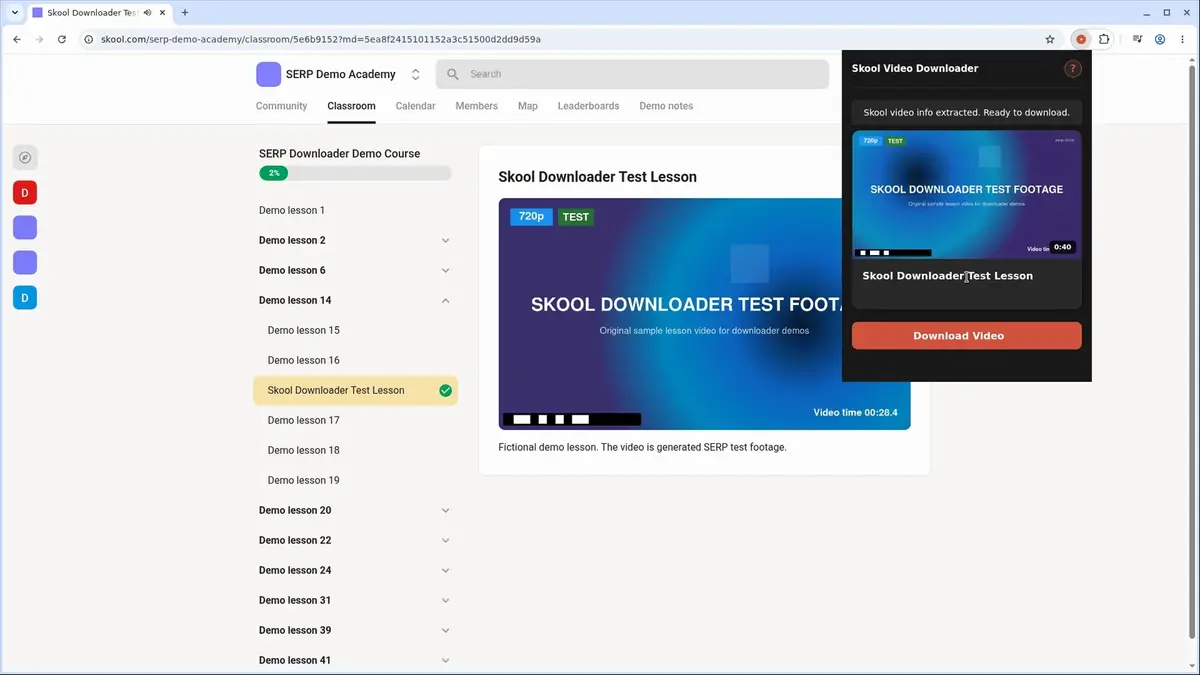
Press play so the extension can detect Skool native video or embedded Loom, Vimeo, YouTube, and Wistia sources.
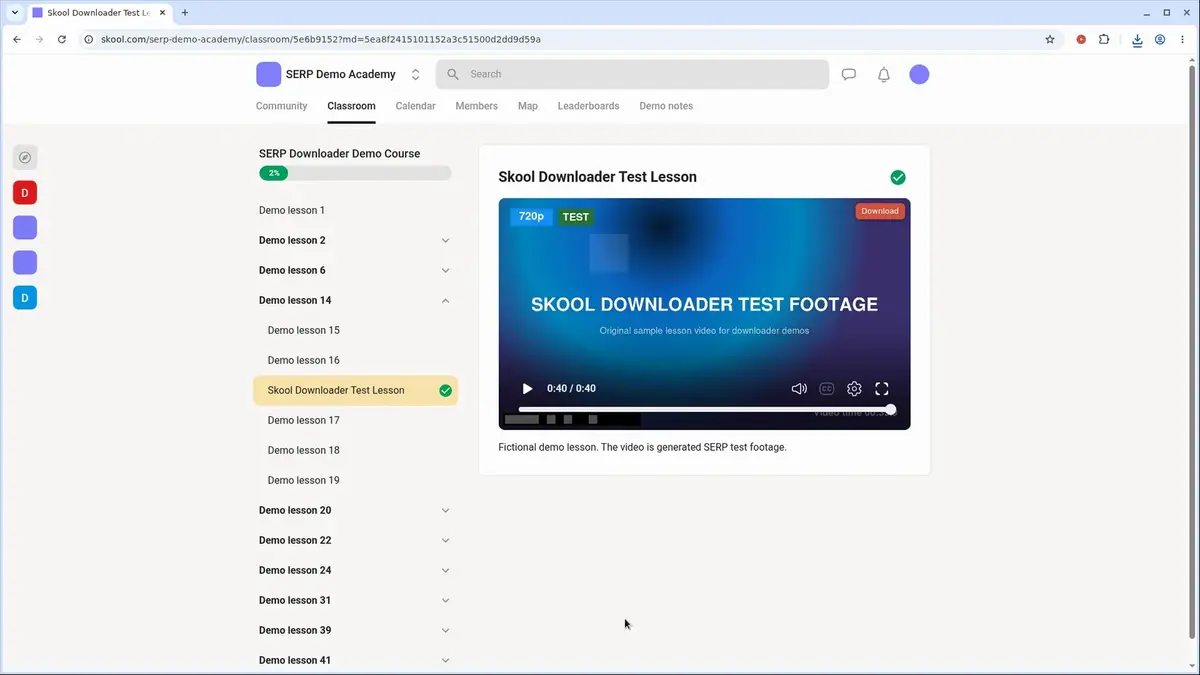
Pick an available resolution and save the finished MP4 directly to your computer.


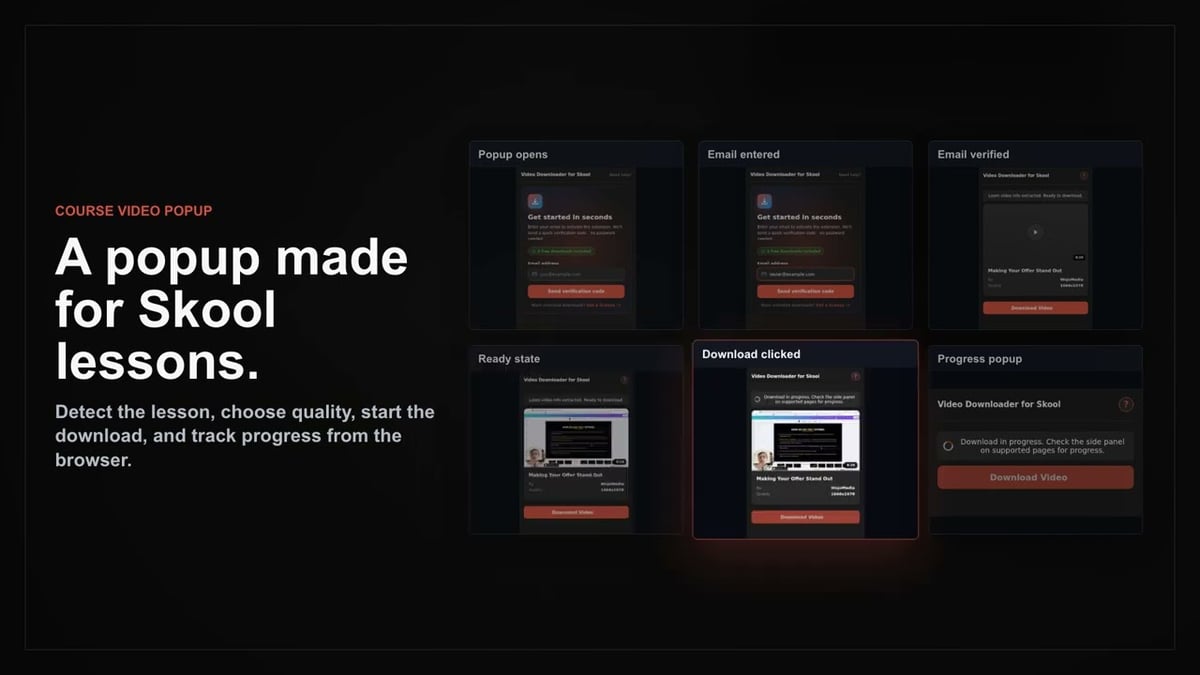
Core capabilities included in Skool Video Downloader.
Detects Skool's native Mux player plus Loom, Vimeo, YouTube, and Wistia embeds automatically — one tool for every source
Converts HLS streams into standard MP4 files right in your browser
Queue several videos and they download one after another, each with its own progress and speed readout
Finds video across classroom lessons, community posts, course modules, and about pages
Lets you pick from every resolution the source platform offers
Works through your existing Skool login — no extra credentials or re-authentication
Cancel controls and a built-in manager keep multi-lesson downloads organized
Uses dedicated Loom, Vimeo, YouTube, and Wistia handlers when embedded content is found
Includes 3 free trial downloads a week with no credit card required
Auto-saves finished MP4 files directly to your computer
Processes everything locally — no video ever leaves your device
Saves finished files as MP4 that play on any device or player
Available on major desktop browsers and operating systems used in day-to-day workflows.
Pick the browser build you need. When a direct GitHub release is available, you can grab the ZIP there.
One-click install with automatic updates. Install only one version.
YouTube embeds need the full version.
Open the latest GitHub release to download the Edge build.
Open the latest GitHub release to download the Opera build.
Open the latest GitHub release to download the Brave build.
Open the latest GitHub release to download the Whale build.
Open the latest GitHub release to download the Yandex build.
Install from GitHub releases or your user dashboard. ZIP builds include the full desktop extension.
Every requested permission and the job it performs inside the extension.
Saves the finished MP4 to your downloads folder and keeps the progress tracker accurate for each video.
Stores licence activation, download manager state, and preferences locally so the extension stays ready between sessions.
Detects video players and embedded content on the tab you are viewing so the extension can identify the video platform and source.
Allows the download manager to track active downloads across tab changes and restores state when you return.
Injects multi-platform video detectors to extract stream manifests, quality variants, and page data from Skool, Loom, Vimeo, YouTube, and Wistia.
Converts HLS stream segments into MP4 files in the background using an offscreen document, keeping your lesson tab responsive.
Reads authentication cookies for platforms that require session-based access to retrieve video streams.
Manages network request rules for video host domains to ensure streams can be fetched correctly across platforms.
Grants limited access to skool.com, loom.com, vimeo.com, youtube.com, wistia.com, and related CDN domains so the extension can detect and download videos from these platforms.
Better to know the boundaries up front than find out after checkout.
DRM-protected content is not supported.
Live streams cannot be downloaded — wait for the recording to be available.
Mobile and Safari browsers are not supported.
You must press play on the video before the extension can detect the stream.
You must already have access to the content through your normal Skool session.
Available quality depends on what the source platform and course creator uploaded.
Requires email sign-in (OTP) for trial activation.

Save a video from a Skool classroom lesson, community post, course module, or About page as an MP4.
Save a Skool course lesson by lesson, preserve its module order, manage three downloads at a time, and verify the offline collection.
Understand when a Skool lesson exposes a provider URL that yt-dlp supports, why the outer lesson URL often fails, and when to use the extension instead.
Keep exploring
Browse every category we support and jump directly into the tools that match your workflow.
20 categories are currently available.
Immediate Access
Product access begins after a successful checkout
Setup Guidance
Installation steps are provided for the supported package
Billing Shown Upfront
Review the selected billing interval before checkout
Get Skool Bulk Downloader free — it's included while you're subscribed
Never lose a lesson again — save it before the course closes or your membership lapses
Skip the yt-dlp rabbit hole — one extension grabs Skool, Loom, Vimeo, YouTube, and Wistia video with no command line
Study anywhere — MP4s play offline on flights, commutes, or spotty Wi-Fi, no buffering
Stay private — every file is processed on your own device and nothing touches an external server